Can Moodle Grade Essays with AI?
It is one of the most-searched questions about Moodle right now, and it usually gets answered badly — either "yes, Moodle has AI now!" (true, but not for marking) or "no, you need our product" (self-serving, and also not quite true). So here is the careful version.
The short version
Core Moodle cannot grade an essay with AI. Moodle 4.5 introduced a genuine AI subsystem, and it is worth switching on, but every action it ships is about producing or explaining text — not about judging a student's. There is no core action that reads a submission, applies a rubric, and writes a score to the gradebook.
What you can do is add that capability. There are three routes, and they differ mostly in how much control you keep over the standard being applied: a question-type plugin that scores mechanically, a third-party AI marking plugin, or an LTI 1.3 tool that marks against a rubric you wrote and hands the decision back to you before anything is posted.
What Moodle's built-in AI actually does
Moodle 4.5 added an AI subsystem, and Moodle 5.0 extended it. The shape is deliberately modular: a site administrator configures an AI provider, then enables AI placements, and each placement exposes specific actions. OpenAI and Azure AI ship in core, and community providers exist for self-hosted models such as Ollama and LocalAI, which matters if your institution will not send student text to a hosted API.
The core placements are the text editor and course assist. The core actions are generate text, generate image, summarise text, and — from Moodle 5.0 — explain text. Each action has its own capability, so you can let staff generate text in the editor while leaving image generation off, or give learners the summarise button without the generate one.
Read that list again with marking in mind: generate text, generate image, summarise text, explain text. Nothing there reads a submission, applies criteria, or produces a score. Moodle's AI subsystem is infrastructure for authoring and comprehension, and it is genuinely useful for that — it is simply not an assessment workflow.
That is not an oversight. Marking is the part of an LMS where an error is expensive and contested, and Moodle has been conservative about shipping it in core. The practical consequence for you is that if someone tells you "Moodle grades essays with AI now", they are describing a plugin or an external tool, not core.
The Essay question type, and the auto-grade plugin
Moodle's built-in Essay question type has always been the honest one: the student writes, the attempt is flagged as needing marking, and a human marks it. No automation, no pretence.
There is also a long-standing community question type called Essay (auto-grade), maintained by Gordon Bateson, which is frequently mistaken for AI. It is not. It awards a provisional grade as soon as the student submits, based on the number of words, sentences and target phrases present in the essay, with optional grade bands for non-linear schemes, and the teacher can override it. That is a rule-based heuristic — fast, transparent, entirely predictable, and blind to whether the argument is any good.
Worth knowing precisely because of what it tells you about the failure mode. A word-count grader rewards length. A model-based grader rewards something less legible. Neither is trustworthy without a human deciding what a score means, which is the theme of the rest of this piece.
Three routes to AI essay marking in Moodle
| Route | What it does | Where the standard comes from | Grade reaches the gradebook |
|---|---|---|---|
| Essay (auto-grade) question type | Provisional score from word, sentence and target-phrase counts | The numbers and phrases you configure | Immediately, as a provisional grade you can override |
| Third-party AI marking plugin | Varies by plugin — check each one | Varies; ask whether it uses your rubric or the model's own judgement | Varies; ask whether there is an approval step |
| LTI 1.3 tool (e.g. EduGears AI) | Scores each criterion of your rubric and writes a justification per criterion | A criteria-by-levels rubric you authored | Over LTI Assignment and Grade Services, after you approve it |
The middle row is deliberately vague because the plugins directory has several entries in this space and they behave differently. Before you install one, the questions worth asking are the same three every time: does it mark against my rubric or its own opinion, does a human see the score before the student does, and where does the grade land in the gradebook.
How the LTI 1.3 route works
An LTI 1.3 tool is not a plugin in the usual Moodle sense. Your administrator registers it once under External tool, and it becomes available in every course — in Moodle that is a dynamic registration that takes a couple of minutes, and there is no code to maintain on your server, no upgrade to schedule at term boundaries, and nothing extra to review at each Moodle release.
With EduGears AI specifically, the marking flow looks like this:
- You build a rubric as a grid of criteria by levels. Each level carries a descriptor and a point value, and the rubric is reusable across quizzes, essays, projects and standalone assessments.
- Students submit through the activity. Submissions can be typed text, a PDF, an image, or an audio or video file; project assignments additionally accept Word and PowerPoint files, whose text is extracted before marking.
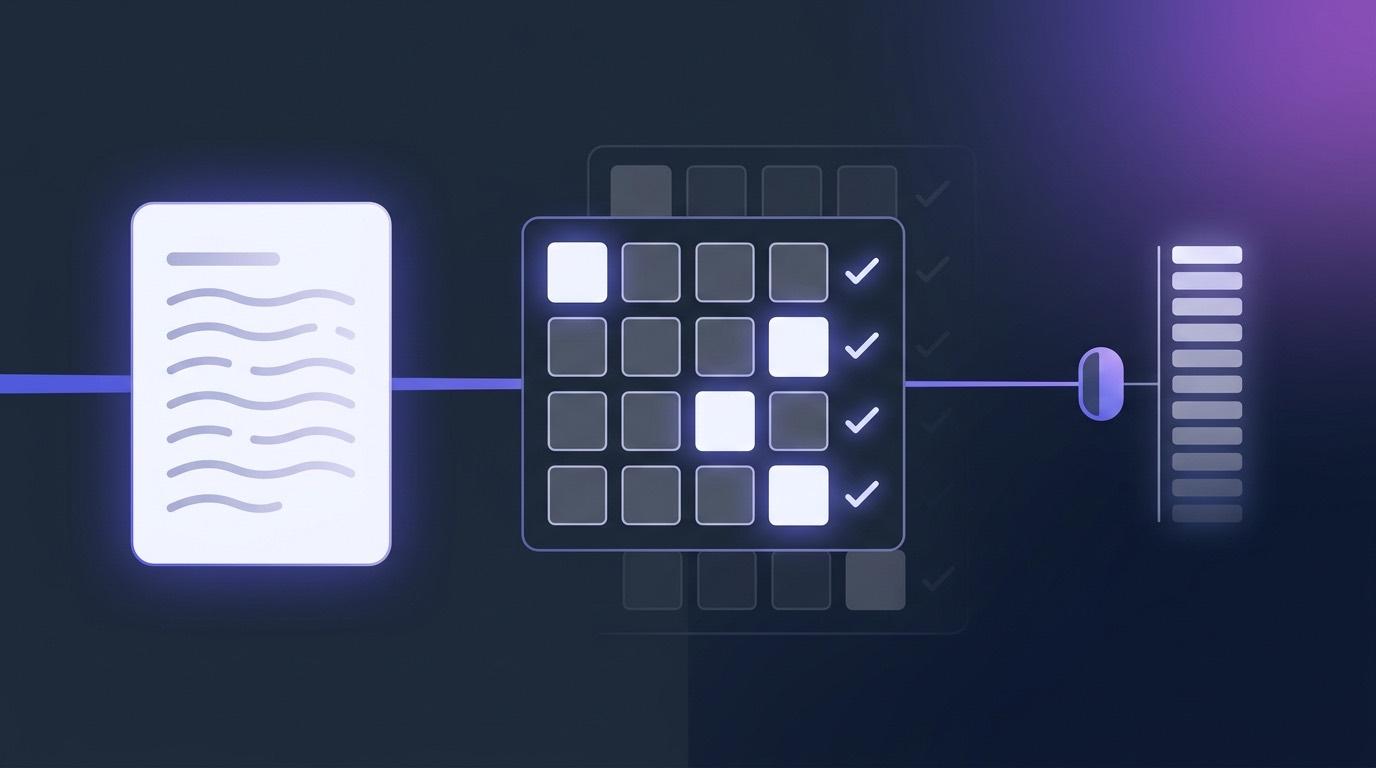
- The AI scores every criterion separately, picks a level, and writes a short justification for the level it picked — so what you review is an argument, not a bare number.
- You read it, change anything you disagree with, and post. Your edits are labelled as teacher edits so the record shows who decided what.
- The approved score travels to the Moodle gradebook over LTI Assignment and Grade Services, into that activity's own column.
Because it is standards-based rather than Moodle-specific, the same integration behaves the same way in Canvas, Blackboard and Brightspace — which matters if your institution runs more than one LMS, or is midway through moving between them.
The rubric is the whole thing
Here is the part that vendors tend to skip. An AI marker without a rubric is just a model's general impression of an essay, and a general impression is exactly the thing you cannot defend to a student, a moderator, or an appeals panel.
So the rubric is authored by the instructor. In EduGears AI you add each criterion you are actually judging, add the performance levels you use, and write the descriptor for each level. Four levels are offered as a starting grid; there is a general-purpose default set you can load and then edit; and none of it is generated for you. That is a deliberate line — the standard being applied to a student's work should be one a human wrote and can point to.
If you take one thing from this article: the question is not "is the AI a good marker". It is "whose standard is being applied, and can I see it". A rubric answers both, and it is the only part of the setup that a model cannot supply for you.
It also improves the marking itself. A criterion with a concrete descriptor — "cites at least two sources and explains their relevance" — is scored far more consistently than an abstract one like "quality of research", by a model and by a human marker alike.
Who actually presses the button
Every serious conversation about AI marking ends here, so it is worth being exact rather than reassuring.
- Standalone assessments never post automatically. The AI result sits as "AI grade ready — review and click Save and post", and it stays there until an instructor posts it. There is no auto-post setting to turn on.
- Project assignments default to "AI drafts, I approve": the queue shows a draft and the gradebook status stays awaiting approval until a human accepts it. There is an opt-in fully automatic mode, and it is off unless you choose it.
- Quiz attempts are the exception worth knowing. Objective questions score immediately, as they always have, and where a rubric is attached to the open-ended items in an attempt, that rubric score is combined into the attempt's result rather than parked for review. If you want a hold point on written work, use a standalone assessment or a project rather than an essay item inside an auto-marked quiz.
Short-answer questions get a middle path that is worth understanding too, because it is where most of the marking volume actually lives. An exact match is accepted without any AI call at all, and so is a match that differs only in punctuation or spacing — "U.S.A." and "USA" are the same answer. Only genuinely different wording goes to the model, which is instructed to accept synonyms, reasonable paraphrases, singular and plural variants, equivalent units and minor spelling errors, and to reject anything that changes the meaning.
A checklist before you switch anything on
- Write the rubric first, on paper if necessary. If you cannot express the criterion, no tool can apply it.
- Mark one assignment both ways. Take a set you have already marked by hand and run it through the tool without looking at your own scores, then compare. You are looking for the pattern of disagreement, not the average.
- Check the tail, not the middle. Tools tend to agree with markers on ordinary work and diverge on the unusual submission — the very short one, the brilliant-but-messy one, the one written by a second-language student.
- Decide the hold point explicitly. Which activities post automatically, and which wait for a human? Write it down before the term starts, not after a complaint.
- Tell students. What the AI does, what a human does, and how to ask for a re-mark. This costs one paragraph in the course intro and prevents most of the trouble.
- Check the gradebook column. Confirm the score lands where you expect and does not overwrite a course-completion column you also use.
Rubric-based AI marking inside Moodle, with a teacher approval step before anything posts. LTI 1.3 setup takes about three minutes.
Get started free →Frequently asked questions
Can Moodle grade essays with AI out of the box?
No. Moodle 4.5 added an AI subsystem, and Moodle 5.0 extended it, but its core actions are generate text, generate image, summarise text and explain text, exposed through the text editor and course assist placements. None of them reads a submission, applies criteria, or writes a grade. Moodle's own Essay question type is marked by a human. To get AI-assisted marking you add either a third-party plugin or an LTI 1.3 tool, and in both cases the questions to ask are whose rubric is being applied and whether a person approves the score before the student sees it.
Is the 'Essay (auto-grade)' plugin AI?
No, and this is a common mix-up. Essay (auto-grade) is a community question type that awards a provisional grade from the number of words, sentences and target phrases in the submission, with optional grade bands, and the teacher can override the result. It is a rule-based heuristic rather than a language model. That makes it completely predictable and completely blind to argument quality — it will happily reward a long answer that says nothing. It can still be useful for formative work where you mainly want to enforce a length and check that certain terms appear.
Does the AI decide the final grade?
Not on the surfaces built for open-ended work. In EduGears AI, a standalone assessment holds the AI result as a draft with no auto-post option at all, and project assignments default to an approve-first mode where the gradebook status stays awaiting approval until an instructor accepts it. Instructor edits are labelled as such, so the record shows who changed what. The exception is a quiz attempt, where objective items score immediately as usual and an attached rubric score is combined into that attempt — if you want a review step on written work, put it in an assessment or a project rather than an essay item inside an auto-marked quiz.
What can it actually read — typed text only?
Typed text, PDFs, images, and audio or video submissions are all accepted inputs, and project assignments additionally take Word and PowerPoint files, whose text is extracted before marking. So a scanned page or a photo of a submission is a supported input rather than something you have to transcribe first. The precise list of accepted extensions depends on which AI provider your institution has configured, and the supported types for each kind of file are shown under the file picker in the tool itself.
Do I need to install a plugin in Moodle?
Usually not. EduGears AI registers as an LTI 1.3 external tool, which an administrator does once from Site administration and which then appears in every course — no code on your server, and nothing to re-test at each Moodle upgrade. There is an optional Moodle plugin, local_edugears, and it does two things: on a reachable Moodle it turns registration into a single click by creating the external tool for you, and on a Moodle we cannot reach — behind a firewall or on an intranet hostname, where the server-to-server handshake dynamic registration needs cannot complete — it issues a registration code that, pasted with your site's public JWKS document on the manual registration page, completes the connection. If your Moodle is reachable from the internet, the plain registration URL works on its own and the plugin is not required.
Will AI marking be fair to my students?
That deserves a longer answer than a FAQ entry, and the research is more mixed than most marketing suggests — published studies find agreement with human raters that is moderate at best and highly context-dependent, and at least one large study found scores that differed systematically by the writer's first language. The practical mitigations are a rubric you wrote, per-criterion scores you can inspect, and a human approving the result. We wrote a separate piece walking through what the evidence actually says.
Related reading: is AI grading fair, and what does the evidence say, and how rubric-based AI grading works end to end.
Try EduGears AI Free
Setup in 3 minutes via LTI 1.3. No credit card required. All 30 AI tools included on the free tier.
Get Started Free →Related posts
- How to Add AI to Moodle: The Three Paths
- Moodle's Built-In AI vs an LTI AI Tool: Which Do You Need?
- Is AI Grading Fair? What the Evidence Says
- AI Grading in Moodle, Canvas & Blackboard: How It Works
- RTO Assessment Marking: Auto-Mark Short Answers in Moodle
- AI for Moodle: The Complete Guide (2026)
- Compare: the best AI tools for Moodle and Canvas in 2026