AI in Education — Guides & Insights
Practical guides on adding AI to Moodle, Canvas, Blackboard, and Brightspace via LTI 1.3.
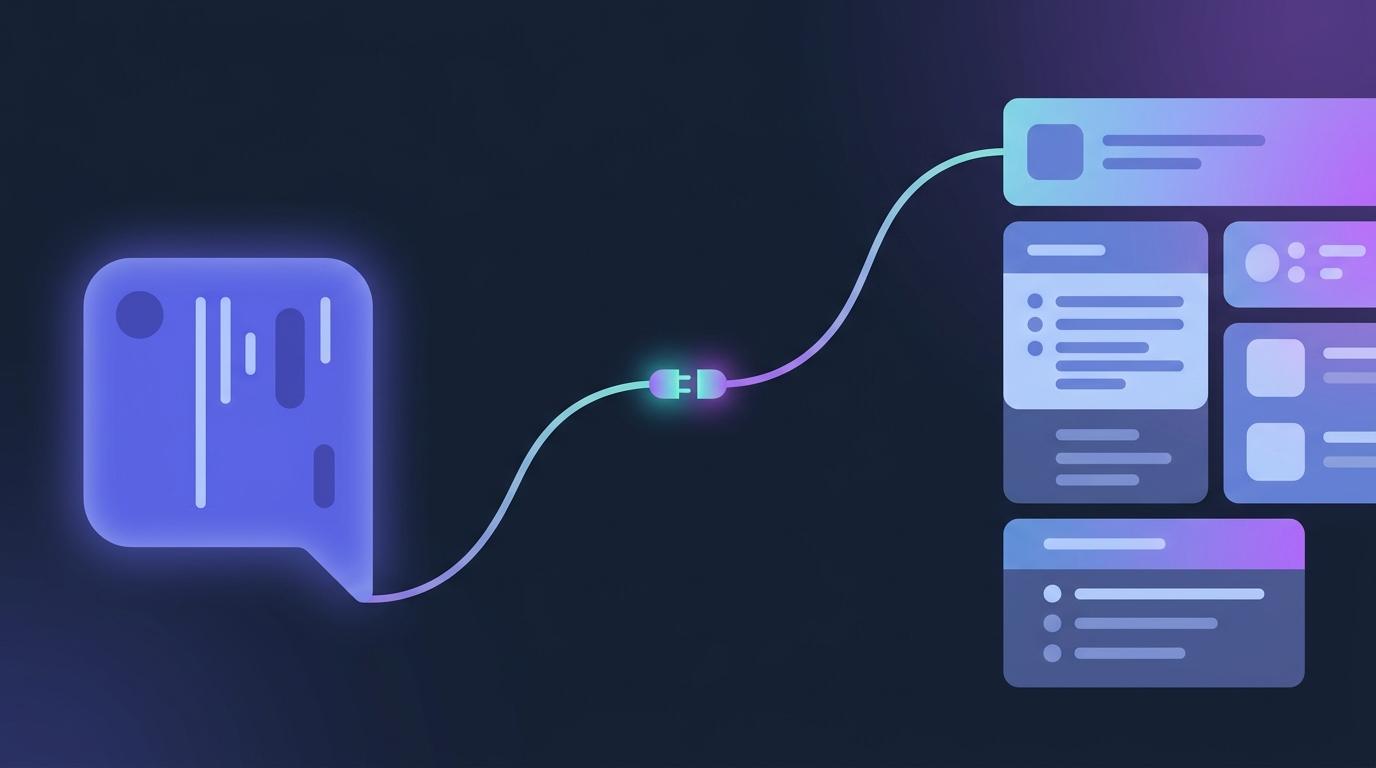
Connect Your Own Claude, ChatGPT or Copilot to Your LMS — and Let It Build Your Course
Most teachers already draft with a chat assistant — then spend an evening carrying the results into the LMS one copy-paste at a time, reformatting questions that arrived as prose. The EduGears AI connector removes the commute: your own Claude, ChatGPT or Copilot writes the quiz, the module or the whole course, and it lands in your course library, ready to review.

What AI Actually Costs a School: Our Pricing, Explained
The quote looked fine until enrolment went up, the 'unlimited' AI turned out to have a cap nobody could find, and the school with its own AI agreement was still paying for AI it never used. EduGears AI now has one plan — the Educator Seat, $1.67 per educator per month, billed annually — with learners always free and AI on credit packs or your own key. Here is what that actually costs.

Why We Priced AI for Every School, Not Just the Funded Ones
Two teachers mark the same essays on the same Sunday night. One has an AI that drafts the feedback against her rubric; the other has a quote that is still waiting for next year's budget. The difference between them is not skill or effort — it is what their institution could sign. We think that is the wrong thing to decide who gets good tools, so we priced EduGears AI for every school.

Your AI, Your Key: Using Your Institution's AI Agreement Inside Your LMS
IT spent months approving one AI provider. Then a teacher asks for an AI tool in the LMS, and the answer is no: another vendor, another data agreement, another review. Meanwhile half the staff paste student work into personal chatbot accounts. Bring-your-own-key closes that gap — every AI tool in your LMS runs on the provider agreement you already approved.

AI Images Checked Before They Land — Slides You Can Put in Front of a Class
An AI image that shows five apples on a slide about four, or labels a diagram in letters that are not quite letters, does not just look sloppy — it teaches something wrong, in front of the whole class. EduGears AI now lets every slide carry an image, and checks each AI image for a slide or a question for accuracy before it lands. When an image fails the check, the slide keeps its suggestion and gets no image: an honest blank beats a wrong picture.
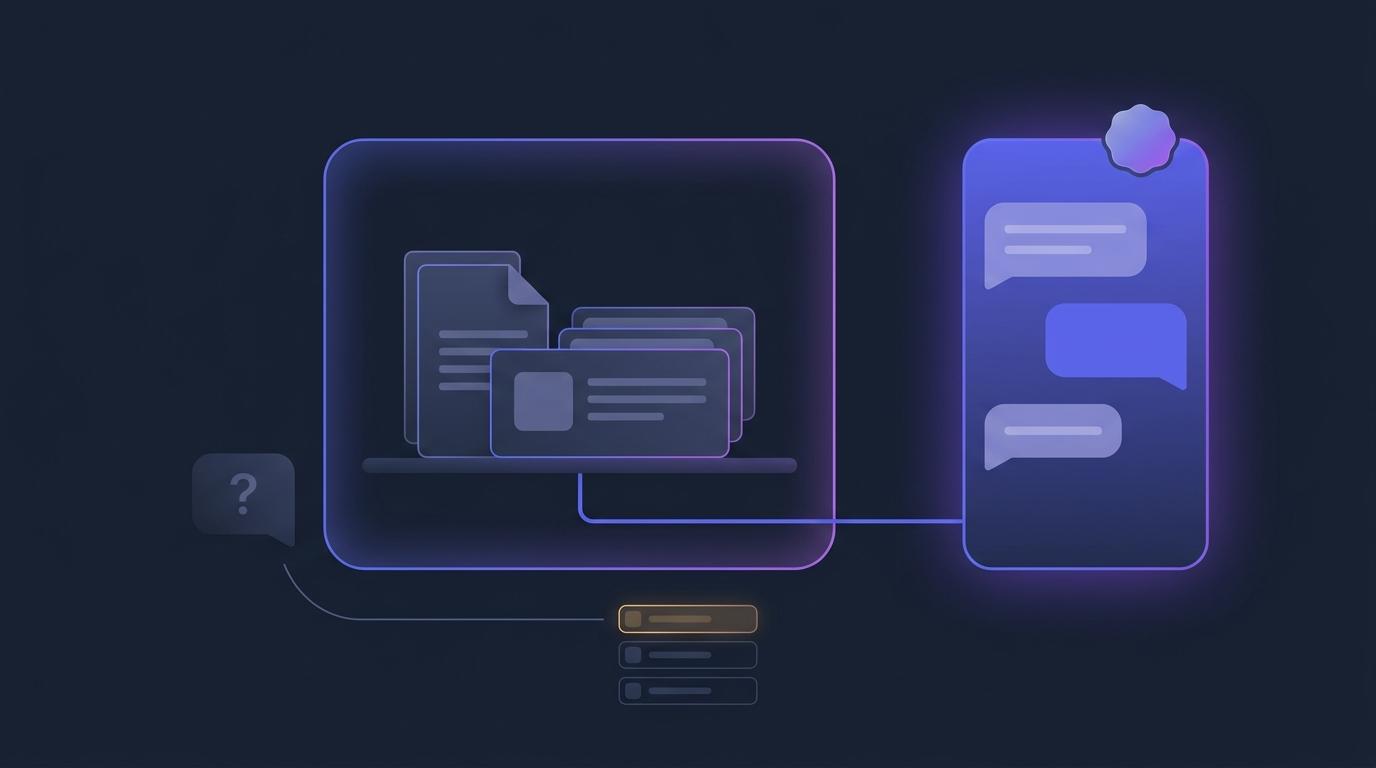
An AI Tutor That Sticks to Your Course — and Tells You What It Couldn't Answer
When a student's question goes to the open internet instead of your course, you lose twice: the answer may not match what you taught, and you never learn the question was asked. The EduGears AI tutor now answers from your course materials by default, politely declines what falls outside them, and turns every declined question into a ranked list of your course's content gaps.
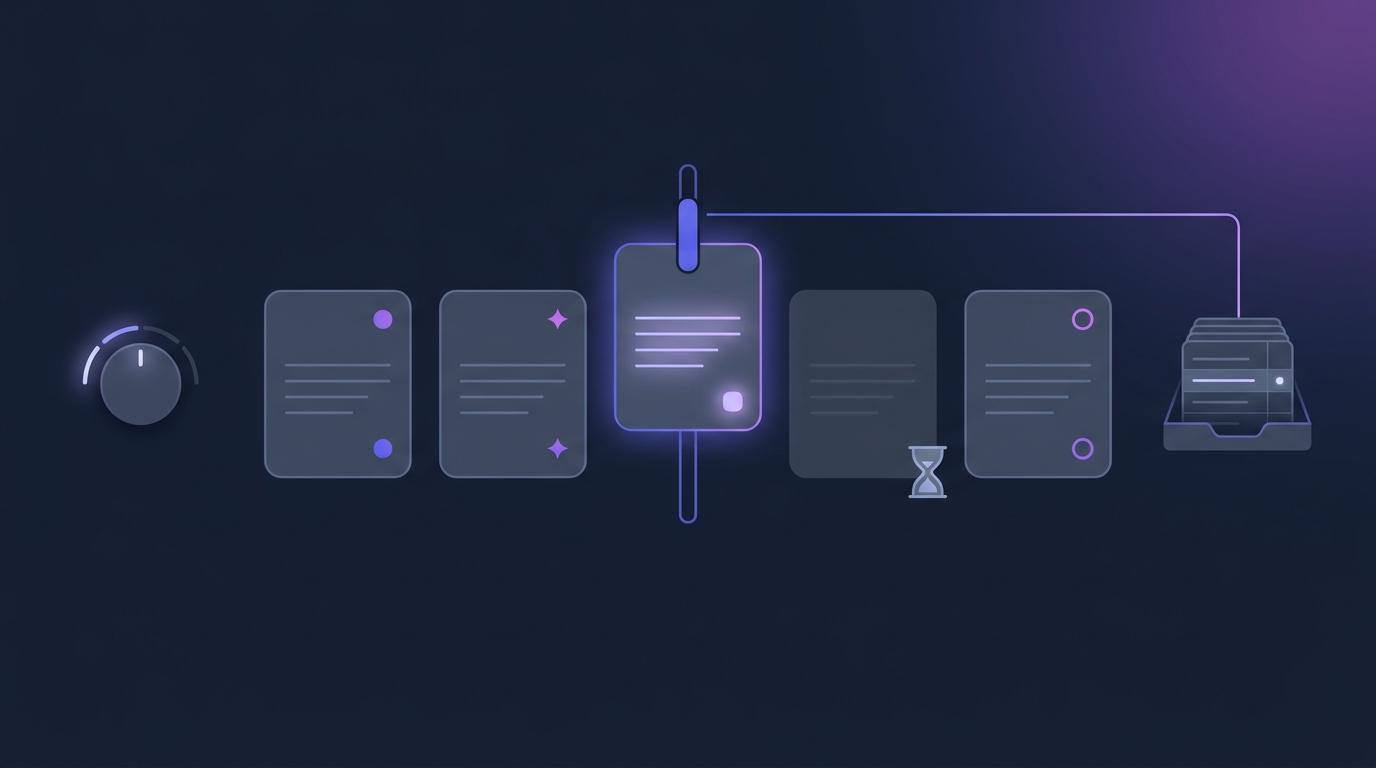
AI Marking You Can See, Set and Correct: Short Answers in Moodle and Canvas
A student disputes a short-answer mark, and the teacher can't say how it was decided — by a match, by the AI, or by nothing at all. EduGears AI now records how every short answer was marked, lets you set how strictly the AI marks each course, lets you override any mark, and holds answers the AI couldn't check for your review instead of marking them wrong.

At-Risk Alerts: Your LMS Emails You First, Before Struggling Students Go Quiet
An at-risk card on the Dashboard only helps on the days you happen to open the Dashboard — and the students who most need you are the ones who go quiet between your logins. EduGears AI can now email each course's teachers a Daily or Weekly digest of the students their saved thresholds flag, with the reason for each and the new names marked, and it stays silent when nobody is flagged.
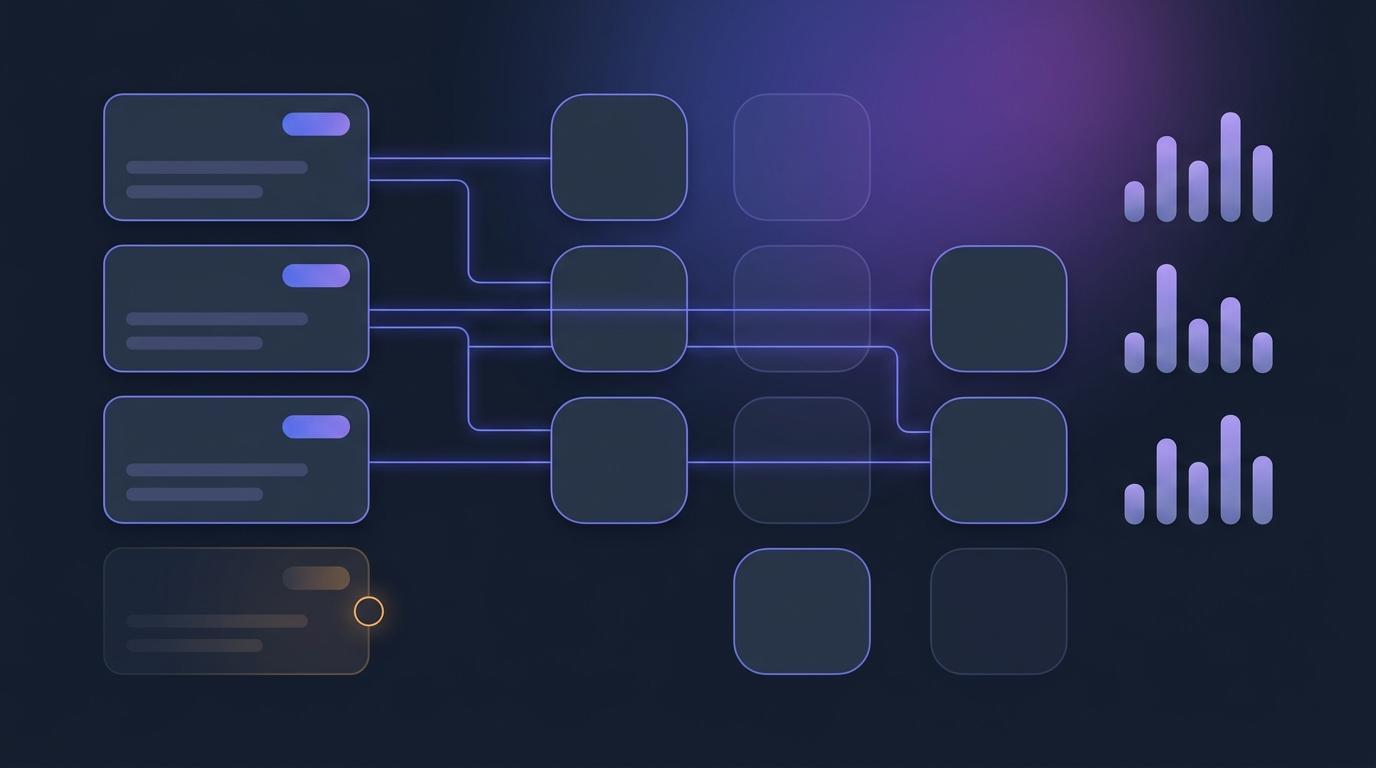
Learning Outcomes You Can Show Evidence For — Inside Moodle and Canvas
Your course's learning outcomes probably live in a syllabus PDF, and when an accreditation panel, a tender or a parent asks whether students actually learned them, nobody can point at the evidence. EduGears AI now keeps outcomes in the course itself: define them (or have AI draft them from your own materials), map them to modules, and the AI tutor frames its explanations against them while an Outcome Progress report shows the evidence for each one.
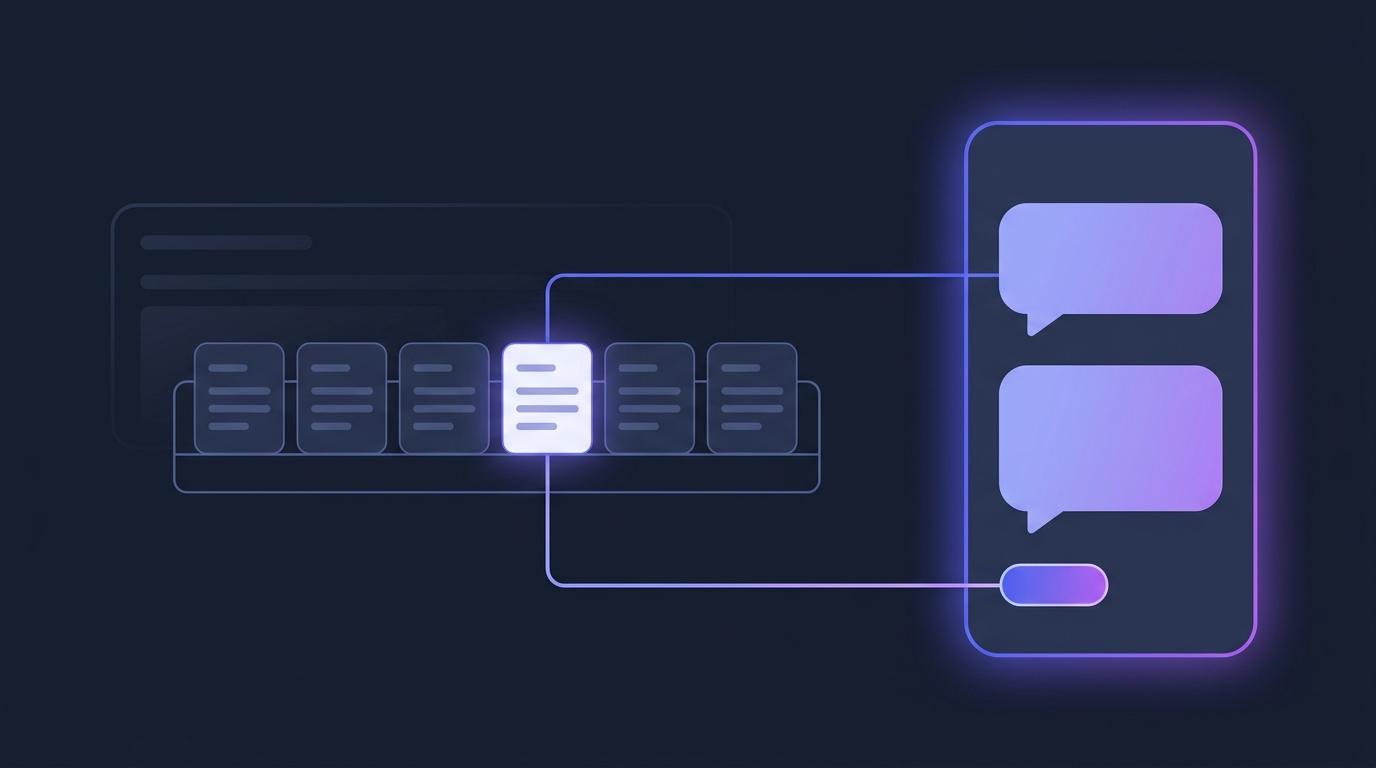
Ask Your LMS Anything: How Cog Answers Questions About Your Class
Every instructor has a handful of questions they never quite get round to asking, because the answer is three clicks and a filter away and the week is already full. Cog, the assistant inside the EduGears AI integration, now answers those questions in plain words — by opening the same course reports you can open, reading the rows, and naming the report it used.
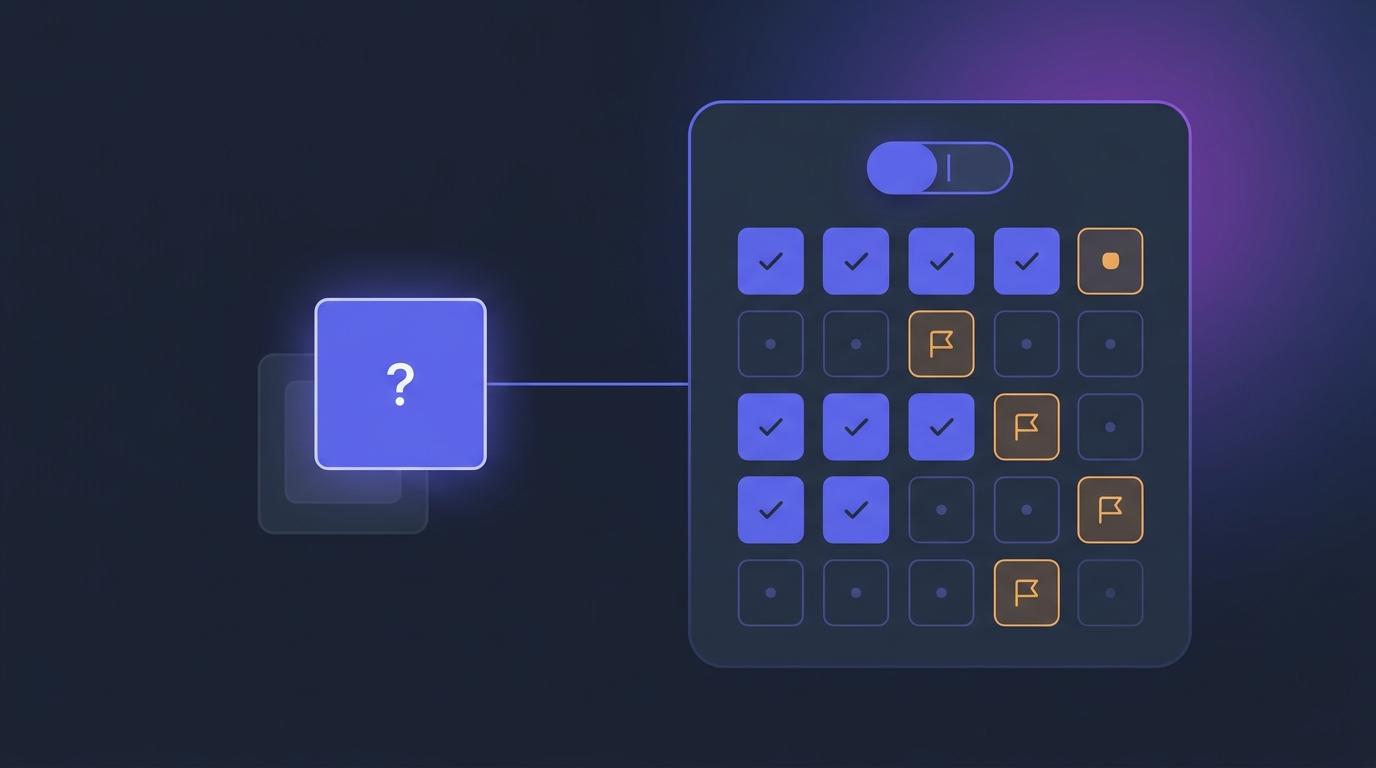
A Calmer Quiz: Navigate It, Flag It, and Build on Your Last Try
A student sitting a quiz shouldn't have to hold the whole thing in their head. A question navigator shows where they are, a flag-for-review button lets them come back to the hard one, retakes can build on the last attempt, and newly generated multiple-choice options are shuffled so the answer is no longer usually (A) — all inside Moodle or Canvas.

Compliant AI Inside Your Moodle or Canvas — Under the New Federal Guidance
The U.S. Department of Education has confirmed that federal grant funds can pay for AI in the classroom, and states are writing the privacy rules that come with it. The quiet advantage of an LTI tool is that it adds that AI inside the Moodle or Canvas your institution already runs — under the accounts, the roles, and the data policy you already have.
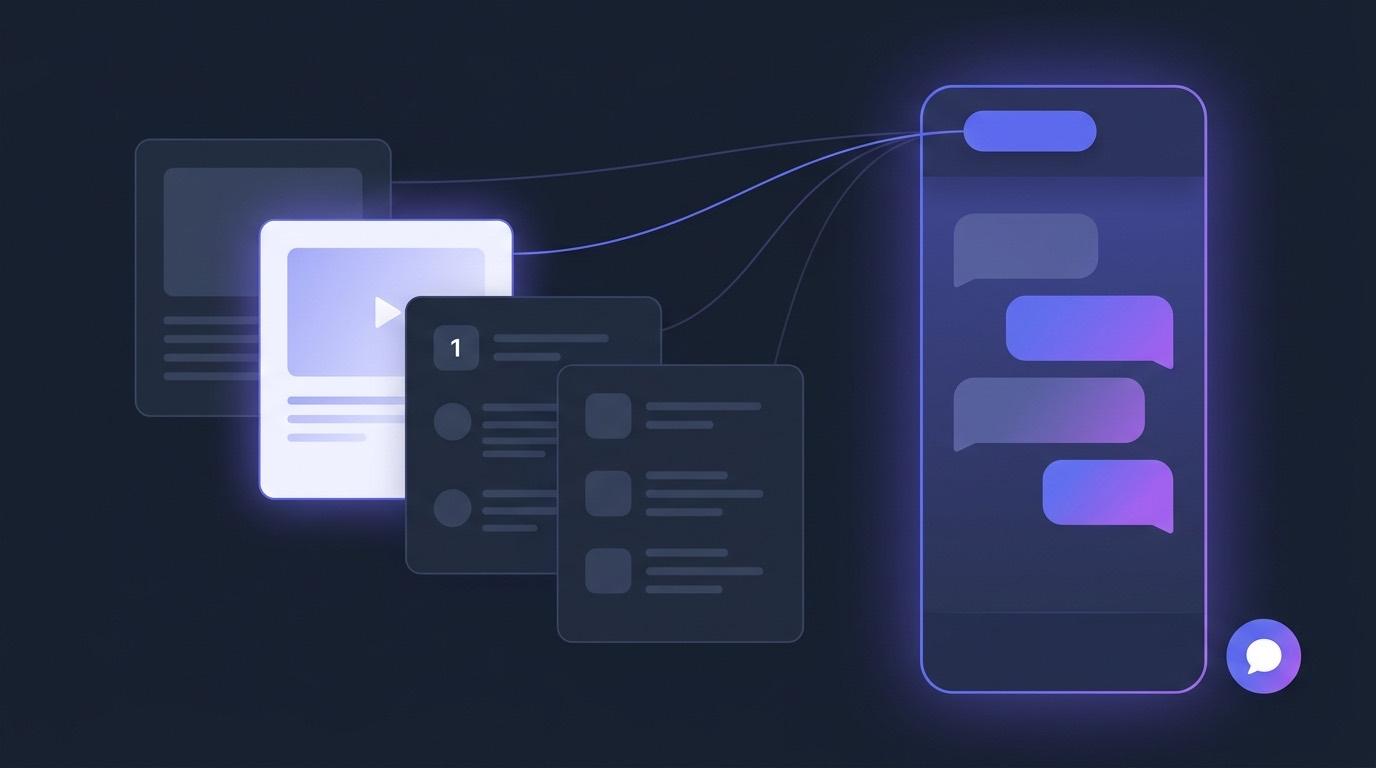
Meet Cog: One AI Assistant on Every Page of Your LMS
Until now the AI Tutor and the AI Assistant lived on separate pages, and a chat bubble appeared on some resources but not others. Cog replaces all of it with one chat you can reach from anywhere — and it already knows what you were looking at when you opened it. It is on now, in every EduGears AI institution.
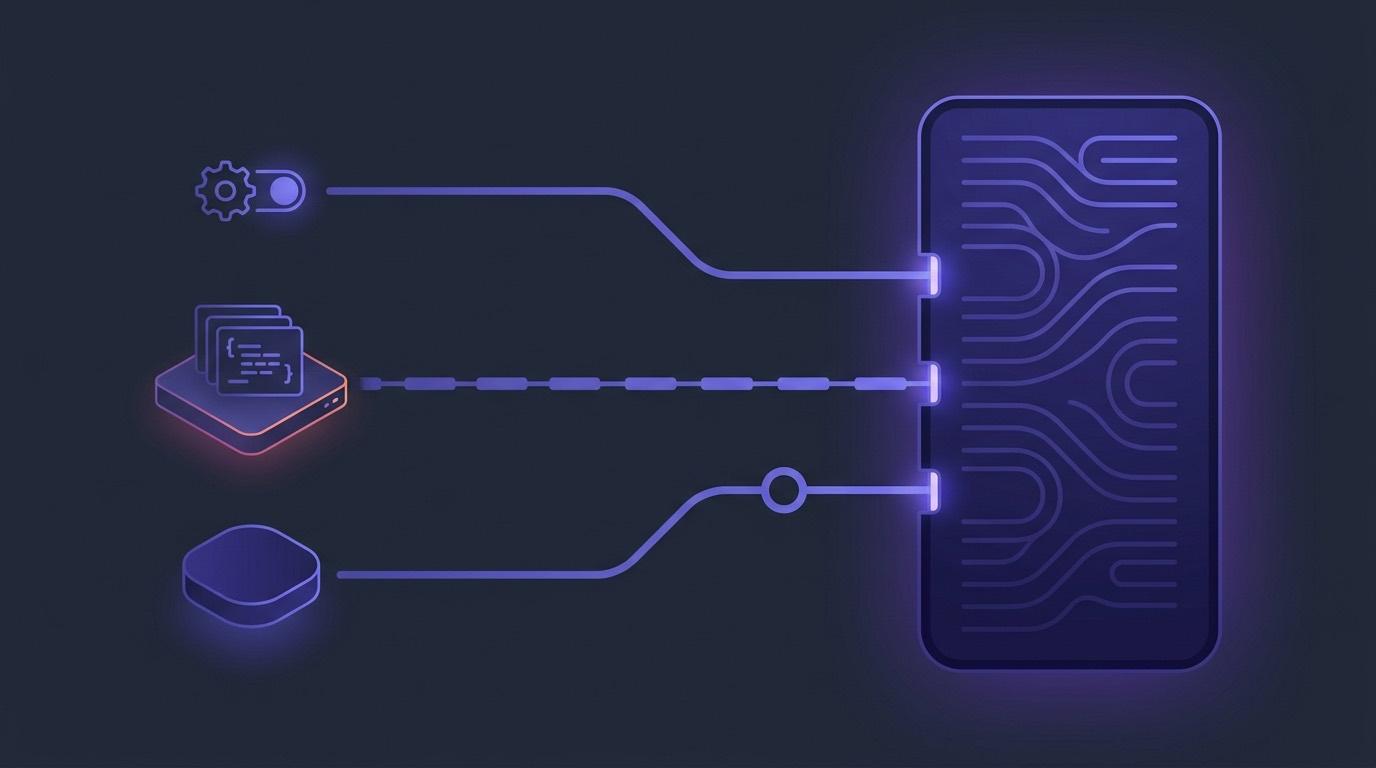
How to Add AI to Moodle: The Three Paths
There are exactly three ways to put AI into Moodle, and they are not competing versions of the same thing. One is infrastructure your administrator switches on. One is code you install on your server. One is an external tool you register in three minutes. Here is what each does well, what it will not do at all, and how to tell which one you are actually asking for.
Moodle's Built-In AI vs an LTI AI Tool: Which Do You Need?
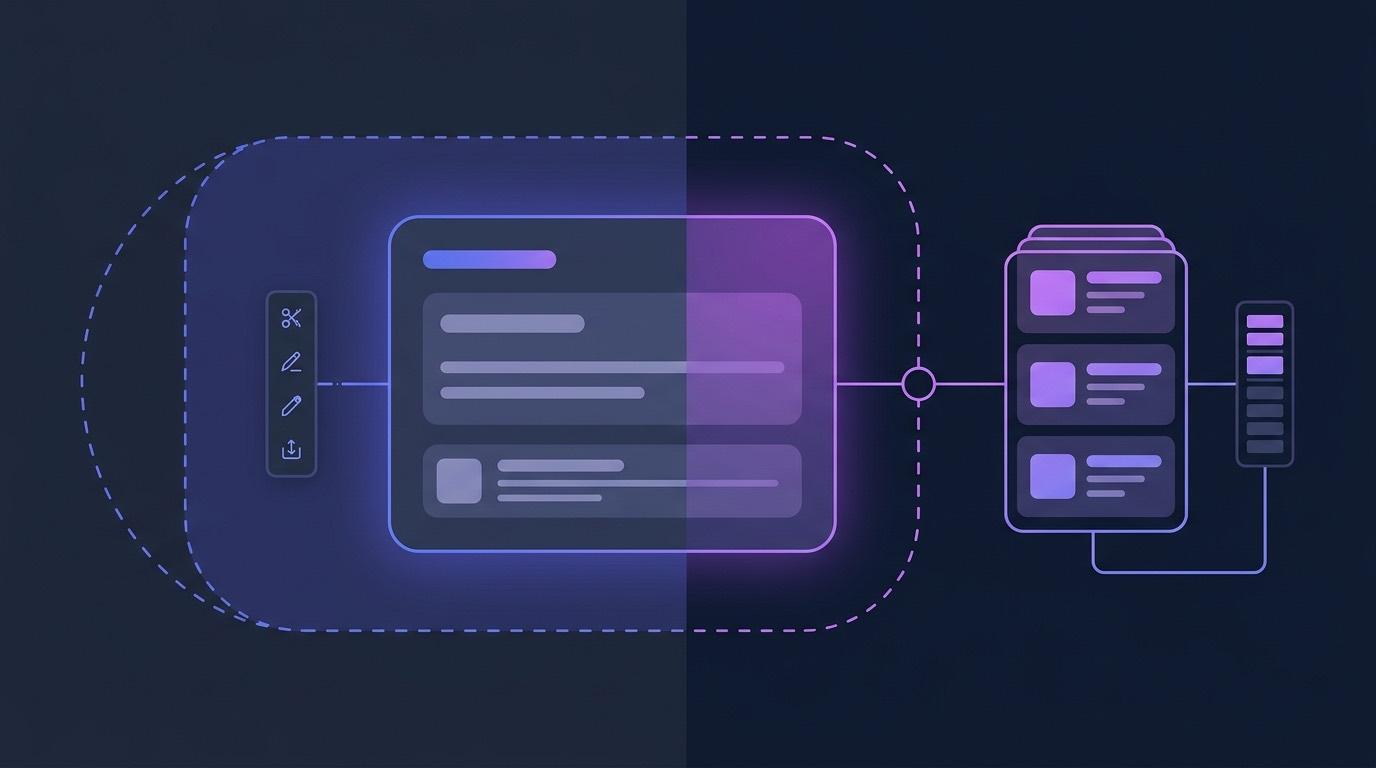
This is usually framed as a buying decision, and it mostly isn't one. Moodle's built-in AI and an LTI AI tool overlap on almost nothing: one is site infrastructure on your own provider key, the other is a set of classroom workflows on somebody else's servers. Here is the honest comparison, including the cases where the answer is 'neither yet'.
Does Canvas Have AI Grading?
The answer changed this year, and most articles on this question have not caught up. Canvas does now ship native AI grading assistance — with three conditions attached that decide whether you actually have it. Here is what Instructure ships, what it covers, and what the LTI route adds.
Short-Staffed School, Full Course Catalog: AI Inside the Moodle You Already Run
The subject that gets dropped from the timetable is rarely the one nobody wants. It is the one nobody is left to teach. This is what AI can and cannot do about that — written for schools where the constraint is staff and budget, not enthusiasm.
Can Moodle Grade Essays with AI?
The honest answer is: not on its own. Moodle's built-in AI can draft and summarise, but nothing in core marks a submission against a rubric or writes the result to the gradebook. Here are the three real routes to AI-assisted essay marking in Moodle, and what each one costs you in trust.

Is AI Grading Fair? What the Evidence Says
"Fair" is not one question, it is three: is the marking consistent, is it measuring the thing you said you were measuring, and does it treat groups of students the same. The published evidence answers them differently — and the third answer is the uncomfortable one.

AI-fy Your LMS in Under 3 Minutes: Moodle, Canvas and More
From complete course authoring to assessments, grading and analytics — with an AI Tutor and AI Assistant in every lesson. 30 AI tools inside the LMS you already run — Moodle, Canvas, Blackboard or Brightspace — connected over LTI 1.3 in about three minutes, with no migration and no new platform.
Course Media Library: Replace a File, Update Every Lesson
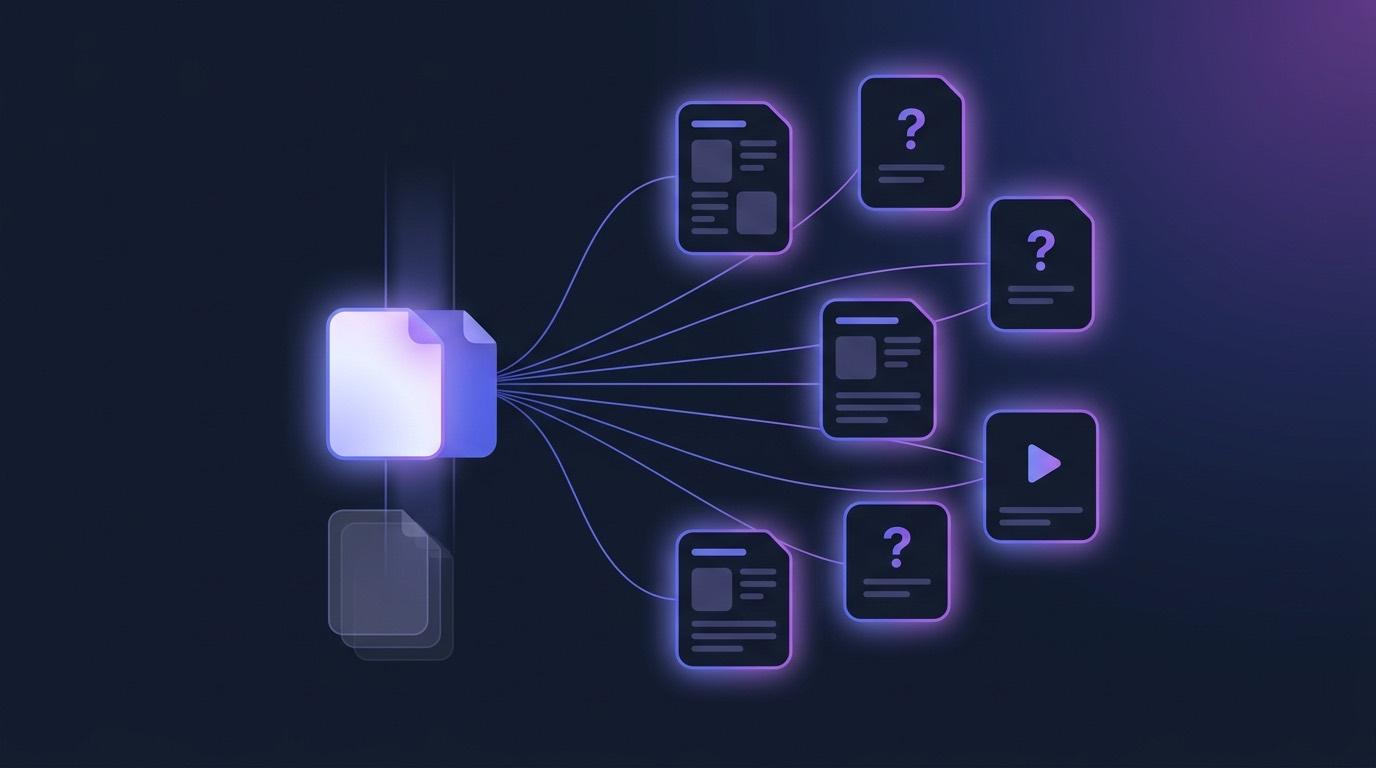
The safety video was re-shot. The org chart changed. The price table is a year out of date. In most courses that means opening every lesson that used the old file and hoping you find them all. A Media Library inverts it: your content points at the file, so replacing the file is the edit.

Case-Based Questions in Moodle: One Passage, Six Questions
Scenario questions come in runs. A patient presentation, a set of vessel details, a passage to read — then six questions that all depend on it. Repeat it on every question and the quiz becomes unreadable; put it on the first one only and students scroll backwards to find it.
RTO Assessment Marking: Auto-Mark Short Answers in Moodle
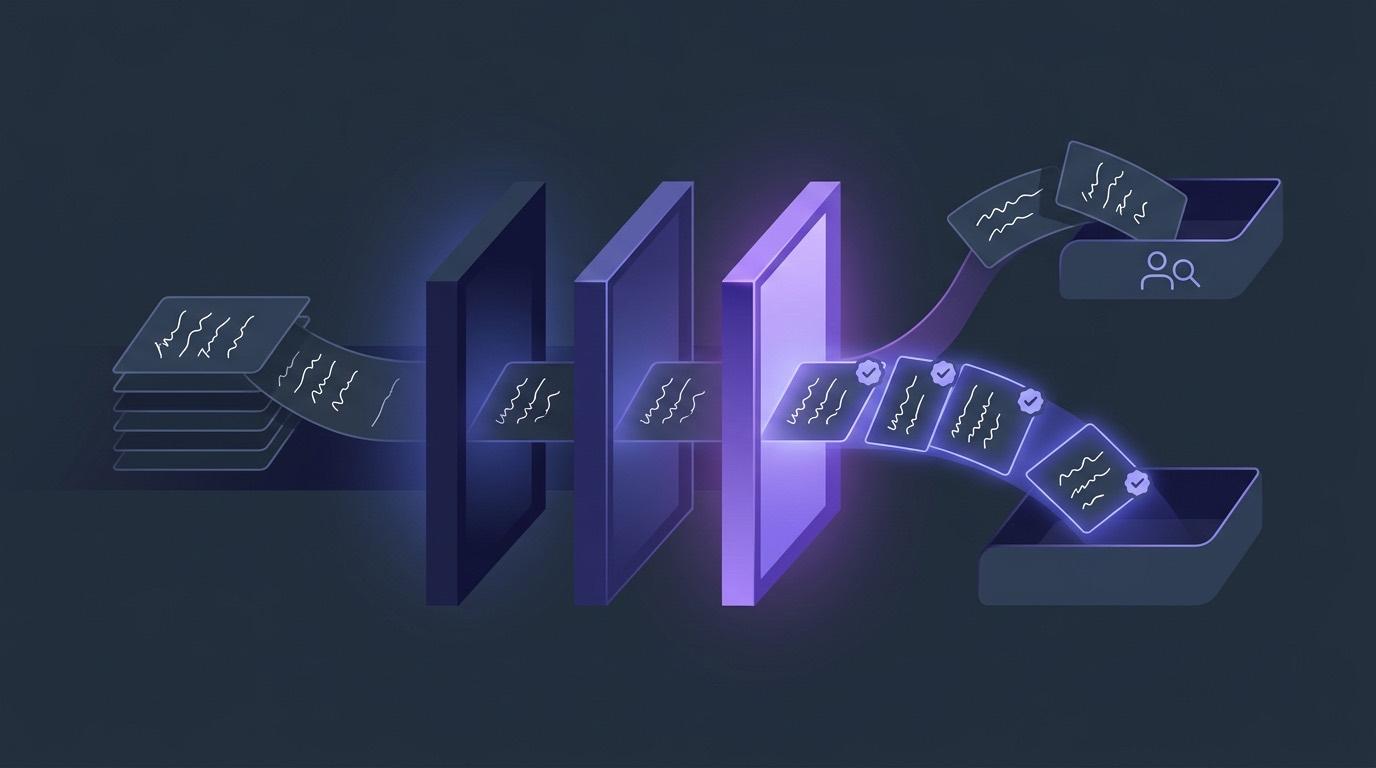
A learner writes "PPE gear". Your answer key says "personal protective equipment". An exact-match marker calls that wrong, so trainers stop trusting auto-marking and hand-mark the whole cohort instead. Semantic short-answer marking accepts the paraphrase, rejects the answer that changed meaning, and keeps the questions that need real judgement in front of a human.
Quiz Due Dates in Moodle & Canvas: Windows and Late Work
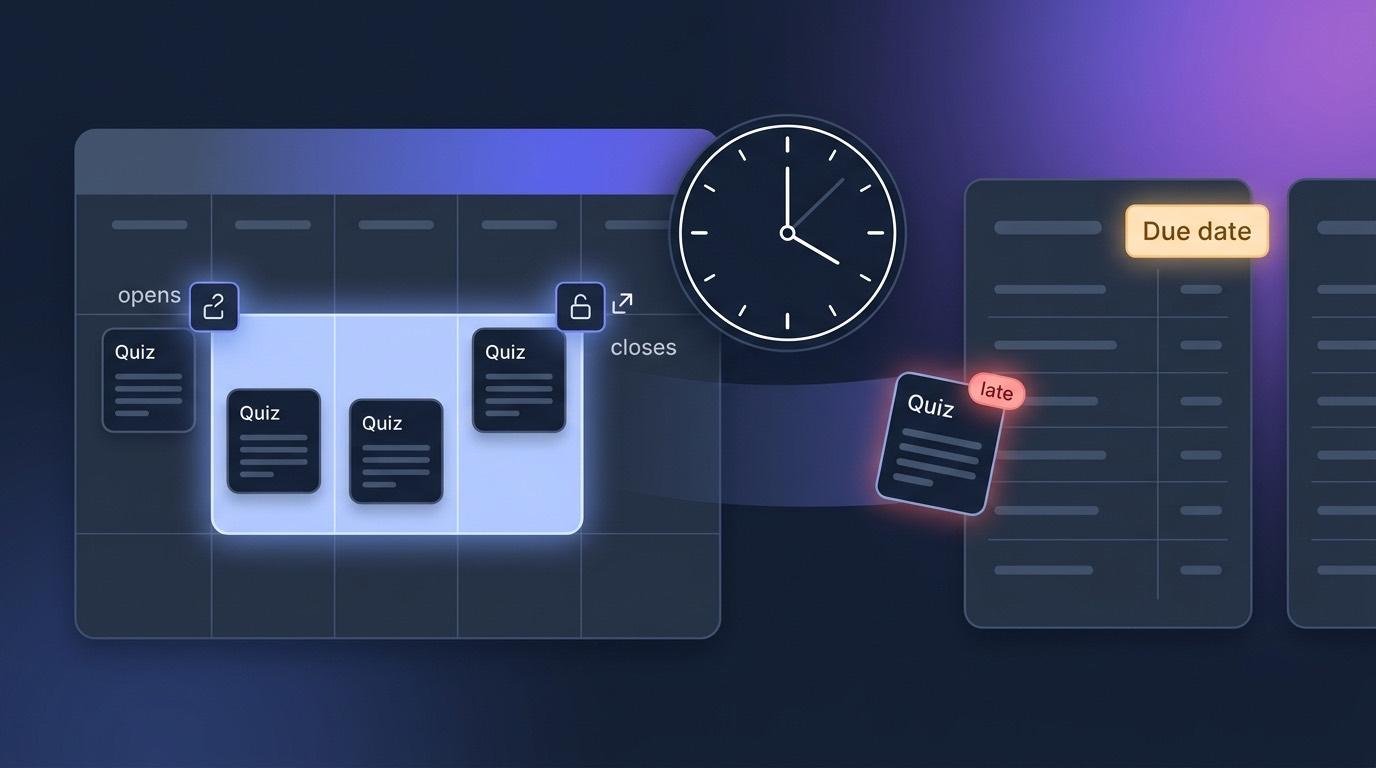
A quiz without a deadline is a quiz you have to police by hand — unhiding it Monday morning, hiding it Friday night, arguing about who submitted when. Quiz scheduling gives every graded quiz its own Opens, Due and Closes times, enforces them server-side, and sends them on to the Moodle or Canvas gradebook.

Moodle Course Import: What Survives and What Shouldn't
One course we tested imported twelve quizzes. Its students only ever saw seven — the other five were superseded copies the trainer had hidden years ago. Importing everything is the easy part; importing what students actually saw is the job. Here is what a Moodle course import brings across, what it deliberately leaves behind, and how you can tell the difference.
AI Rubric Generation, Done Right
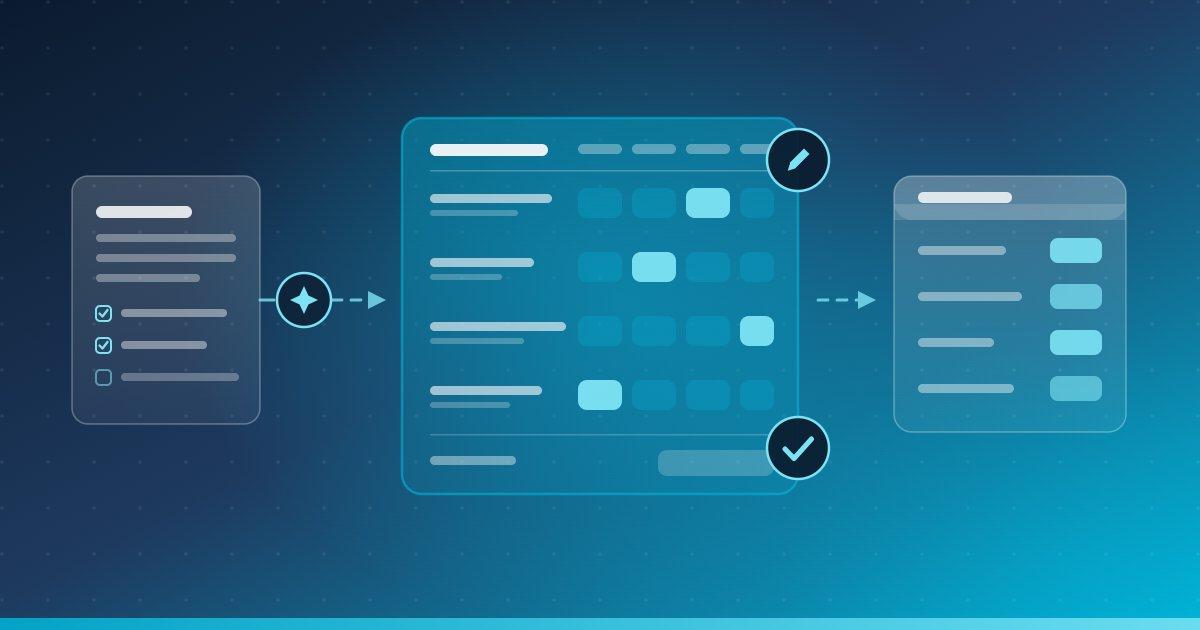
AI grading is only as defensible as the rubric behind it — which is why our rubric drafting stops at a draft. This guide covers what generation usually gets wrong, how Draft with AI works in the Rubrics tool, how to write criteria a model can apply, and how per-criterion scores reach your LMS gradebook.
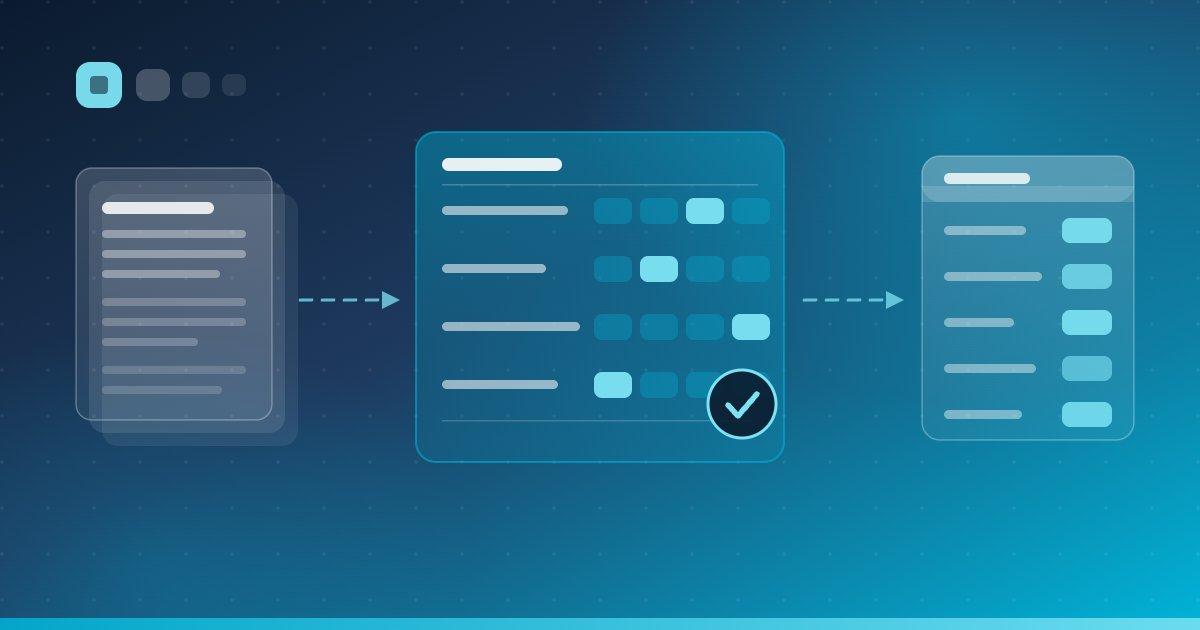
Best AI Grading Software for Higher Education (2026)
"AI grading" means eight different things depending on the vendor. This guide compares the leading tools for higher education on what each one actually automates, how grades reach the LMS gradebook, and where a human stays in the loop.
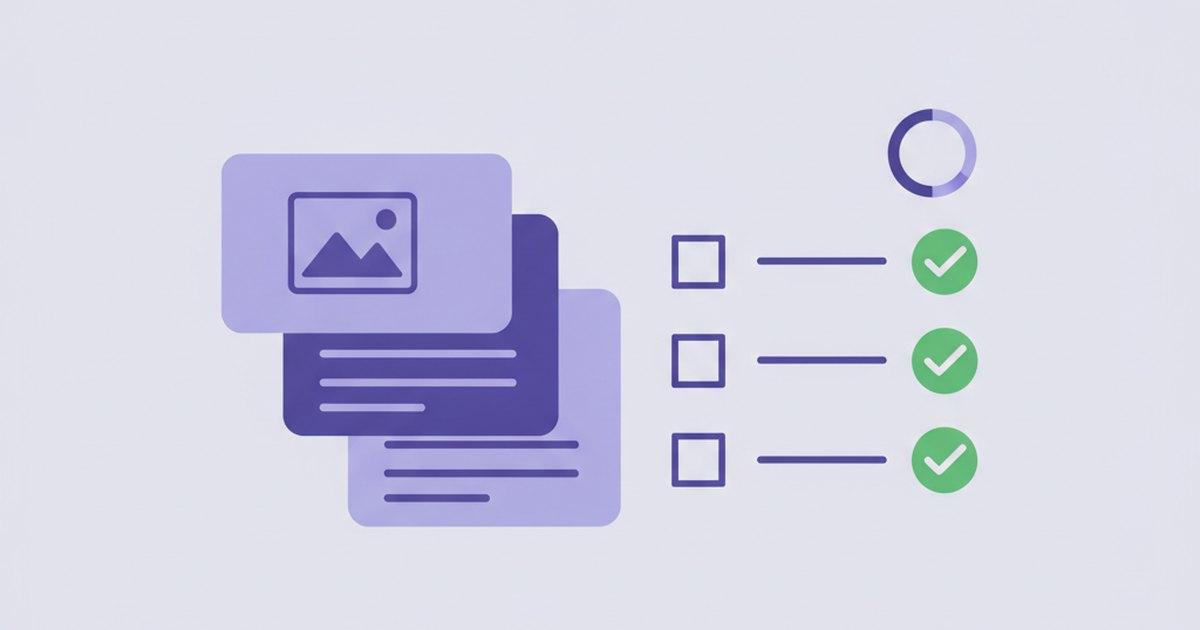
AI-Graded Project Assignments in Any LMS Course
Projects are where real learning shows up — and where grading gets slow. Project Work lets you assign an open-ended project in any course, then has AI grade the actual submitted files against your rubric, with you approving before anything posts.
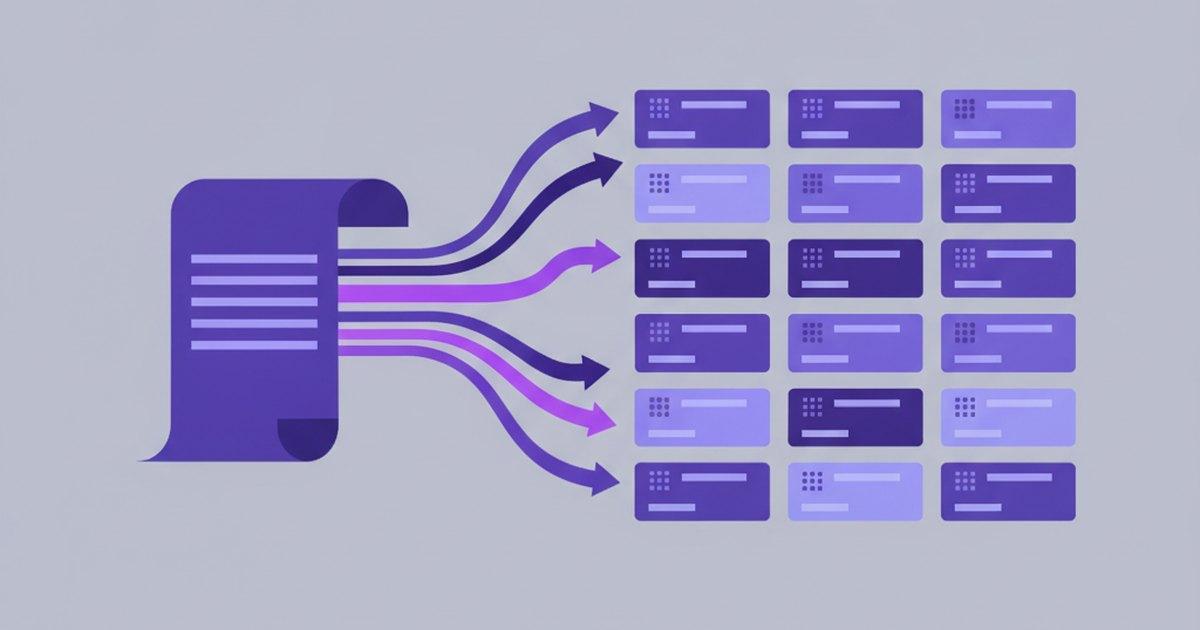
From Syllabus to a Full Course Outline in One Pass
Building a course one module at a time is the slow part. The Multi-Module Builder takes a syllabus or a stack of files and lays out the whole course skeleton in a single pass — so you start from a structure, not a blank page.

Student Reflections in Your LMS, With an AI Class Summary
Not everything worth doing should be graded. Reflections give students a low-stakes space to think about their own learning — and give teachers a thematic AI read on the whole class without wading through every response.

EduGears AI Is Now a Moodle Certified Integration
EduGears AI has joined Moodle's official Certified Integrations. Here's what the badge actually means, why it matters for your school, and how to bring 30 AI tools into your Moodle in about three minutes.

Guided Learning Paths in Your LMS: The AI Module Player
Generating great content is half the job — students still need a guided way through it. The Module Player turns AI-built lessons into a self-paced path, with a context-aware tutor riding along in every lesson.
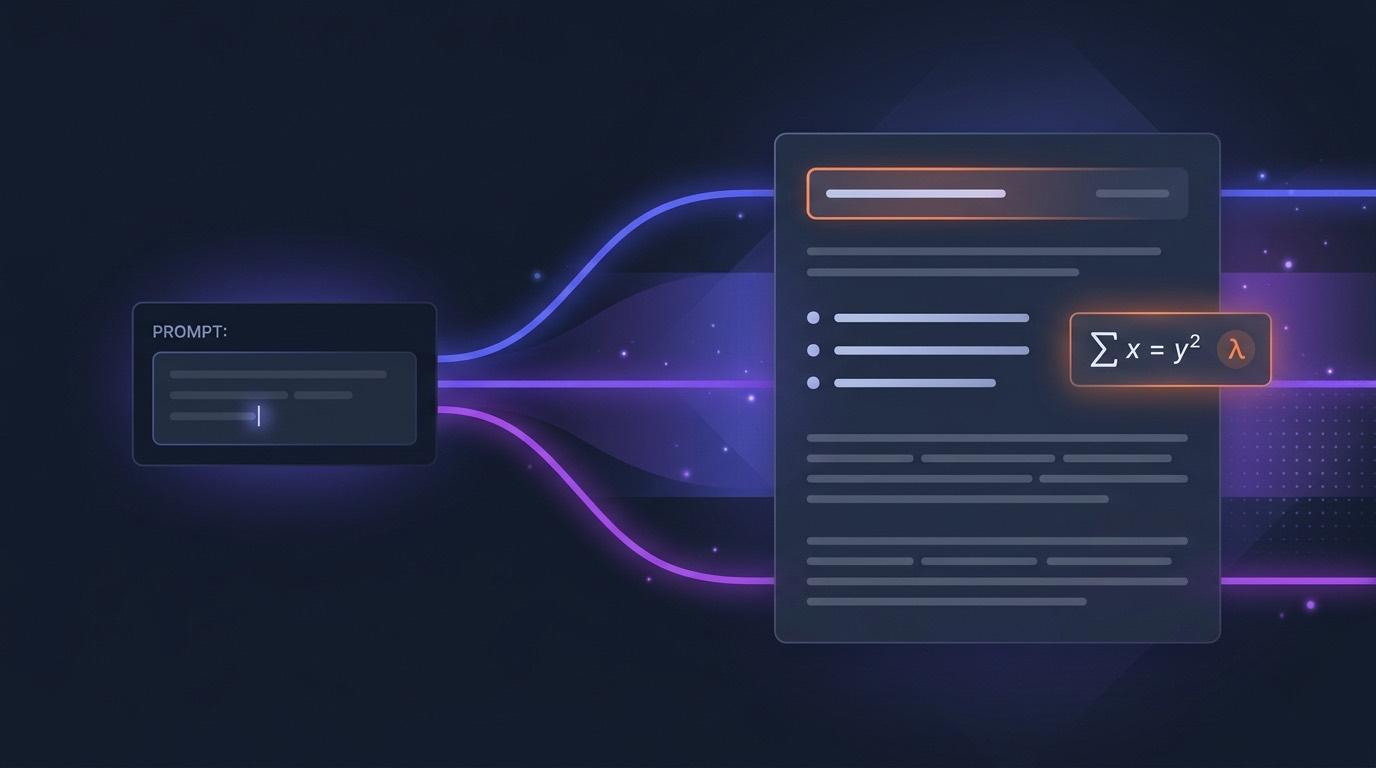
AI Page Generator for Your LMS: From Prompt to Published Lesson Page
Slides and worksheets aren't always the right format. Sometimes you just need a clean, readable lesson page. Here's how to generate one from a single prompt — then edit, share, and export it without leaving your LMS.
Best Free AI Tools for LMS — Moodle, Canvas & More (2026)
Plenty of edtech tools say "free." Few actually mean it. Here's a 2026 roundup of LMS AI tools that are genuinely free — and which one covers all 30 use cases.

AI Grading in Moodle, Canvas & Blackboard: How It Works
AI grading inside Moodle, Canvas, or Blackboard is mainly an LTI problem solved by AGS. Here's how the flow actually works — and what teachers still control.

Free AI Question Generator for Moodle & Canvas (2026)
Most AI question generators give you five question types and call it a day. EduGears AI ships nine types, QTI 2.1 export, and free LTI 1.3 setup — here is how it compares.

Canvas Blueprint + AI: The Only LTI Tool That Syncs
Canvas Blueprint is supposed to mean author-once, deploy-to-many. Most LTI AI tools break that. Here is how EduGears AI keeps Blueprint sync intact.

AI for Moodle: The Complete Guide (2026)
Adding AI to Moodle is now a 3-minute job — if you pick the right path. This guide compares the native AI subsystem, LTI tools, and the best free option.