AI-Graded Project Assignments in Any LMS Course
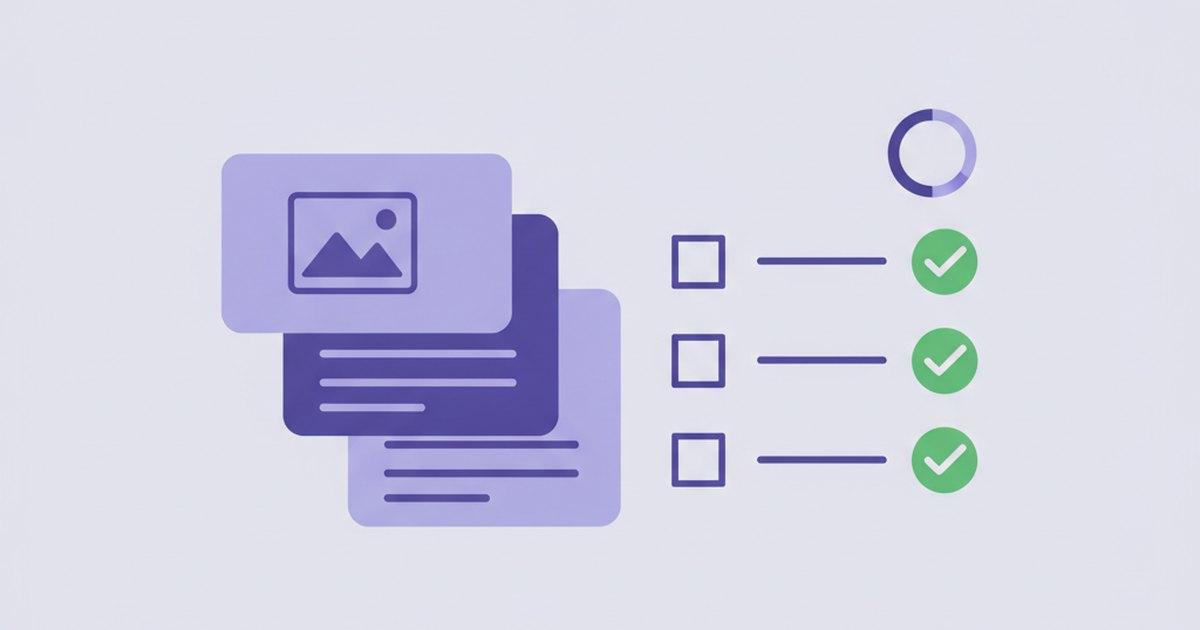
A well-designed project tells you more than any multiple-choice test: it shows whether a student can actually build, apply, and defend the thing you taught. The problem has always been the other side of the desk — grading a class set of projects against a rubric, fairly and consistently, is hours of careful reading, and it's the reason projects get assigned less often than they should.
Project Work keeps the pedagogy and removes the bottleneck. You assign an open-ended project in any LMS course; students submit their files and a written write-up; and AI grades every rubric criterion from the actual work they turned in — with you approving before anything reaches the gradebook.
Why Projects Are Worth the Trouble
Recall-based assessments measure whether a student remembers. Projects measure whether they can do. But "can do" is exactly what's expensive to grade — there's no answer key, just judgment applied consistently across every submission. Project Work is built to apply that judgment at scale while keeping you in the final seat.
What Project Work Does
An instructor authors a project and places it into any course as its own activity — the same way you'd add a quiz. Students see the assignment up front, submit against it, and AI produces a rubric-level grade you review.
- Brief, checklist, and rubric up front — students see exactly what to build and how it's scored before they start.
- Files plus a write-up — learners upload their deliverables and add an inline written response in one submission.
- Multimodal AI grading — the model reads the submitted files themselves, not just a description of them.
- Grade passback via AGS — the approved score posts to your LMS gradebook automatically.
What Students Submit
On the project's own page, students read the brief and rubric, tick off the deliverable checklist, and submit uploaded files alongside an inline write-up. You decide how many files they can attach. A resubmission policy lets them keep refining until it's graded or the due date passes — and a failed AI grading attempt never silently burns one of their tries.
How AI Grades — On the Real Work
This is the part that matters: the grade is based on the actual submission, not a summary of it. When a student submits, a background job builds the evaluation from your brief, checklist, and rubric, and reads the files directly.
- Documents and images go straight to the model — PDFs, text, and images are read natively; Office files like DOCX and PPTX are text-extracted so their content is graded too.
- Criterion by criterion — for each rubric row the AI picks a level and assigns points, then adds an overall comment plus specific strengths and improvements.
- Bounded and fair — scores are clamped to each criterion's maximum, so the rubric you wrote is the rubric that's applied.
Grading runs in the background after the submission is saved, so a slow or failed AI call never blocks a student or loses their work. Students never see the AI's internal grading — to them the status simply moves from submitted to graded once you've finalized.
You Approve Before It Posts
By default, Project Work runs in draft mode: the AI grade is held for your review. You can accept the AI's scores as-is, or override any criterion with your own marks — and nothing reaches the gradebook until you approve it. Prefer hands-off for low-stakes work? Switch a project to automatic and grades finalize and post on submit.
However it posts, the score lands on a dedicated grade line for the project — it can never overwrite the course-completion column a student launched through. It's the same approve-first philosophy behind our AI grading for quizzes and assessments: AI drafts, you decide.
Project Work vs. Capstone Projects
If you've seen our Capstone Projects tool, Project Work will feel familiar — they share the same grading engine. The difference is delivery. A Capstone is the single, course-end project attached to a full EduGears AI course. Project Work is the same power made available to an ordinary LMS instructor: author a project and drop it into any course as an activity, as many as you like, without building a whole course first.
Assign a real project and let AI do the first grading pass — free, no credit card.
Get Started Free →Getting Started Free
EduGears AI installs once at the LMS admin level via LTI 1.3 — about three minutes, no plugins. Every plan, including the free tier, unlocks all 30 AI tools, so Project Work sits alongside AI grading, rubrics, and the rest of the toolkit. Follow the setup guide, or see how it fits Moodle and Canvas.
Frequently Asked Questions
Does AI post grades automatically without me?
Only if you choose to. By default Project Work runs in draft mode — the AI grade is held for your approval, and you can accept it or override any criterion before it posts. You can opt a project into automatic mode for hands-off grading on lower-stakes work.
Can the AI actually read the files students upload?
Yes. Grading is multimodal: PDFs, text, and images are read natively, and Office files like DOCX and PPTX are text-extracted. The grade is based on the real submitted work, scored criterion by criterion against your rubric.
Will a project grade overwrite the student's course grade?
No. Each project posts to its own dedicated grade line in your LMS via LTI AGS, so it can never clobber the course-completion column students launched through.
How is this different from Capstone Projects?
They share the same grading engine. Capstone Projects is the single course-end project on a full EduGears AI course; Project Work lets any LMS instructor author project assignments and place them into any course as activities — as many as they need.
Is it free?
Yes. Project Work is included on every plan, including the free tier, alongside all 30 AI tools. Setup is via LTI 1.3 in about three minutes with no plugins.
Try EduGears AI Free
Setup in 3 minutes via LTI 1.3. No credit card required. All 30 AI tools included on the free tier.
Get Started Free →