When an Essay Doesn't Sound Like the Student: Academic-Integrity Signals, Not Verdicts
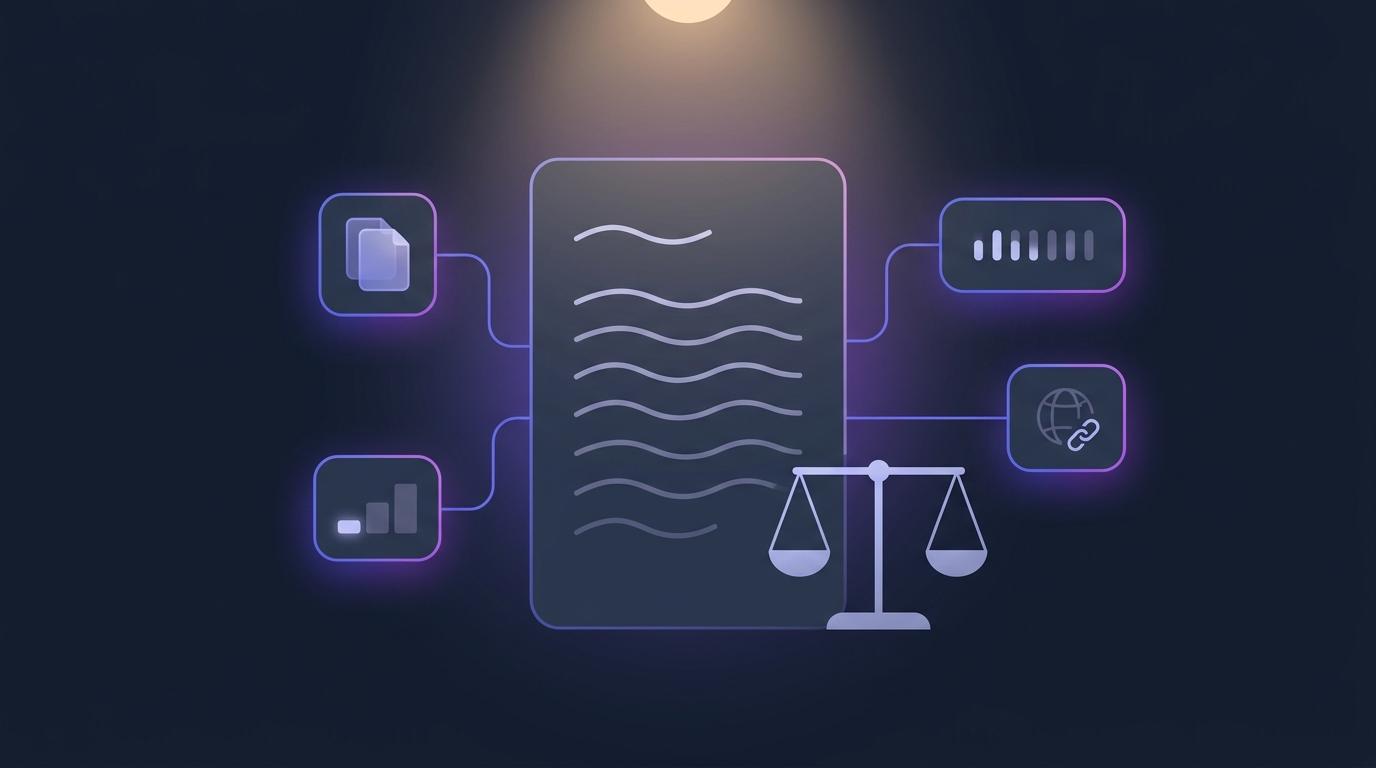
It is eleven at night and you are three essays from the bottom of the pile. The next one is fluent, tidy and oddly impersonal. It answers a slightly broader question than the one you set. And it does not sound like the student who, a month ago, wrote a short, lively, slightly chaotic answer you remember enjoying.
Maybe they worked hard on it. Maybe a friend helped. Maybe a chat assistant wrote most of it. You do not know, and all you have is a hunch — which is a poor thing to raise with a student, and a worse thing to ignore. Integrity Check, now in EduGears AI for Moodle, Canvas and any other LTI 1.3 LMS, is built for exactly that moment: it gives you advisory signals about where to look, and leaves the judgement where it belongs — with you.
Eleven at night, and only a hunch
A hunch is not nothing. Teachers know their students' voices, and a sudden change is worth noticing. But a hunch alone tends to go one of two ways: you let it go and wonder, or you raise it with nothing to point at, and the conversation becomes an accusation. Neither is fair to the student, and neither helps you.
What helps is something concrete to look at before you decide whether there is a conversation to have at all: does this answer share wording with a classmate's? Was it typed, or arrived in one large paste? Are there specific passages that read as generated — and which words, exactly? Does a distinctive sentence turn up on the open web?
Why a detector score doesn't settle it
The obvious answer is an AI detector: paste the essay in, get a percentage. The trouble is that no reading of a text can prove how it was written, and a single confident number invites you to treat it as if it could. False positives are not a rounding error — they land on real students.
They also land unevenly. Stanford researchers reported in 2023 that widely used AI detectors flagged writing by non-native English speakers as AI-generated far more often than writing by native speakers. Simpler vocabulary, careful textbook phrasing and uniform grammar from heavy editing all look "machine-like" to a tool that is really measuring how predictable the prose is. In a multilingual classroom, that is exactly the wrong tool to put between a teacher and a student.
Integrity Check is not a detector and does not claim to catch anyone. Every report opens with "Advisory signals — not a verdict". The signals help you decide where to look; they are not evidence of misconduct.
Four signals, not a verdict
Integrity Check works on the written answers in your quizzes — essay and open-ended questions. Each submission gets an integrity report on the quiz's Submissions page, for instructors only; learners never see a report. A badge on each row sums it up in words — Strong signals, Some signals or Few signals — and opens the report.
| Signal | When it runs | What it tells you |
|---|---|---|
| Similarity scan | Automatically, on every submission — free | How much wording this answer shares with classmates' answers and with earlier work on your platform |
| Writing activity | Recorded while the learner answers | How the answer was produced: typing and paste counts and timing, never the text |
| AI-likelihood | Only when you run it | A High, Medium or Low estimate, with the exact words behind it quoted |
| Web spot-check | Only when you run the full check | Whether distinctive passages appear on the live web, with links to the sources |
The free similarity scan
Every submission is scanned automatically when it comes in, at no cost. Its written answers are compared with the other learners' submissions to the same quiz, and with earlier work in your platform's other activities — which can include the same learner's own earlier work, often the innocent explanation for a match. Matching never leaves your platform: your students' work is never compared with another institution's.
The percentage measures shared wording — runs of three words (four characters in Chinese or Japanese) that two answers have in common. Two students who make the same points in their own words share very little wording, so they don't show up as matches. Answers under 200 characters aren't scanned, because very short text produces unreliable matches.
Writing activity — and what learners are told
While a learner answers an essay or open-ended question, the quiz records how the answer was produced: how many characters were pasted and in how many pastes, how many were typed, the time spent in the answer boxes, how often the learner left one, and when any larger paste happened. Counts and timing only. The answer box never records what is typed or pasted, and the clipboard is never read.
Learners are told. Each recorded answer box shows a short notice beneath it: "For academic-integrity review, this answer box records typing and paste activity — counts and timing only, never what you type or paste." Integrity that depends on students not knowing they are observed is not the kind worth building; a visible notice is fairer, and it also tends to change behaviour before there is anything to review.
A paste is not proof of anything either. A student who drafted in a word processor and pasted the result in looks exactly like that in the activity summary — which is why it is a signal to read alongside the answer, not a conclusion.
AI-likelihood, with its reasons
When you want to look closer at one submission, Run AI check gives an AI-likelihood estimate: High, Medium or Low. It never stops at the label. Under What the estimate is based on it lists the cues behind it, each quoting the submission's own words verbatim — so you can read the evidence yourself and disagree with it.
It is deliberately cautious. When it is uncertain, it says Low. Good, clean writing is not treated as evidence. It judges the text in its own language rather than by how closely it reads like English. And it is instructed outright that the style of a non-native speaker or language learner — simple or repetitive vocabulary, translated idioms, unusual word order, formal textbook phrasing — is never a cue. Even so, like any estimate of this kind it is less reliable for writing by non-native speakers and for short or formulaic answers. That is why it is one signal of four, and why two of the four — shared wording and writing activity — don't judge writing style at all.
The web spot-check
Run full check adds a Web spot-check to the AI-likelihood estimate: distinctive passages from the answers are searched on the live web, and any matching sources come back as links you can open and compare yourself. A copied paragraph from a study site is the kind of thing a hunch can't confirm and a link can. (The web spot-check needs an AI provider and model that can search the web; if a platform's own provider can't, the AI-likelihood estimate is still saved.)
Checking a whole class is one step: Check all… above the submissions runs your chosen check on every submission with enough written text that hasn't had it yet, and shows you what it will cover before anything runs.
What it never does
- It never changes a score. No mark, no rubric score and nothing in your Moodle or Canvas gradebook is touched by Integrity Check.
- It never decides. Similar answers can be legitimate — shared sources, common phrasing, group work. The report says so, and the next step is always yours: read the work, and talk with the learner.
- It is never shown to learners. Reports are for instructors only; learners see only the notice by the answer box.
- It is never forced on a platform. It is on by default, and an administrator can switch it off under Features → Integrity Check in the admin portal. While it is off, nothing is scanned or recorded, learners see no notice, and existing reports are hidden, not deleted.
It works in every interface language EduGears AI supports, and in the EduGears AI LMS as well as in Moodle, Canvas and other LTI 1.3 platforms.
Where to start
If EduGears AI is already in your LMS, there is nothing to set up: open a quiz with essay or open-ended questions, choose Submissions, and the integrity badges are there at the end of each row. If it isn't yet, an LMS administrator registers EduGears AI once over LTI 1.3 in about three minutes, and Integrity Check comes with it, alongside AI grading, rubrics and the rest of the toolset.
Signals to help you look closer — and the judgement stays yours.
See Integrity Check and every toolNot in your LMS yet? Register EduGears AI in Moodle or Canvas in about three minutes.
Open the setup guideIs Integrity Check an AI detector?
No. It gives advisory academic-integrity signals — similarity, writing activity, an AI-likelihood estimate with quoted cues, and a web spot-check — to help you decide where to look. It does not claim to prove how a text was written, and every report says the signals are not a verdict.
Does it change marks or anything in the gradebook?
No. Integrity Check never changes a score, a mark or anything in your Moodle or Canvas gradebook.
Can students see the report?
No. Reports are for instructors only. Learners see a short notice under each recorded answer box saying that typing and paste activity is recorded — counts and timing only, never what they type or paste.
Does it read what students type or copy?
No. The writing-activity signal records counts and timing only. The answer box never records what is typed or pasted, and the clipboard is never read.
Is it fair to students who write in a second language?
It is built with them in mind. The AI-likelihood check is instructed that a non-native writing style is never a cue, leans Low when uncertain and judges text in its own language — but like any such estimate it is still less reliable for non-native writing and for short answers. That is why it is one signal among four, two of which don't judge writing style at all, and why the decision always stays with you.
Are my students' answers compared with other schools' work?
No. Submissions are compared only with work on your own platform — other learners in the same quiz and earlier work in your platform's other activities.
Try EduGears AI Free
Setup in 3 minutes via LTI 1.3. No credit card required. All 32 AI tools included on the free tier.
Get Started Free →