Compliant AI Inside Your Moodle or Canvas — Under the New Federal Guidance
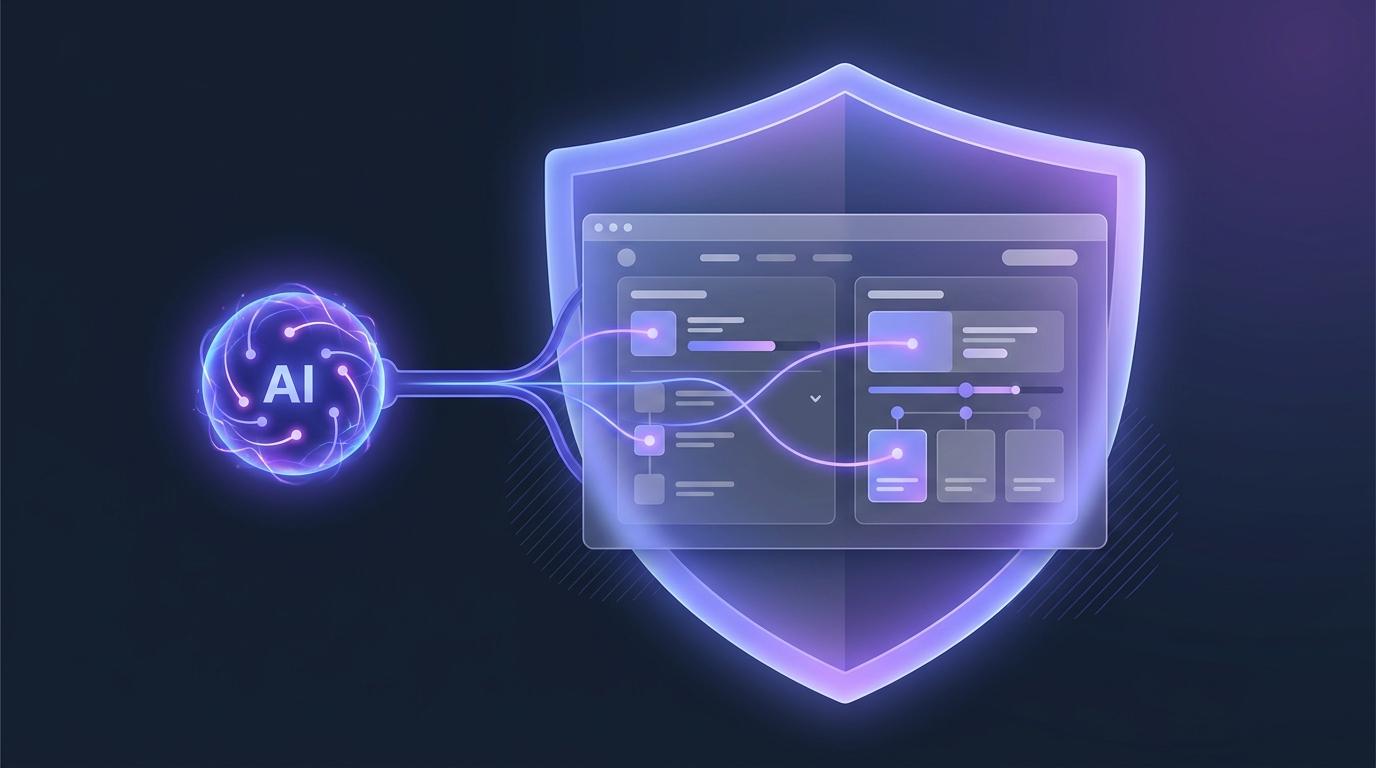
Two things changed for schools and colleges this year, and together they change how you should add AI to your LMS. First, in July 2025 the U.S. Department of Education confirmed that federal grant funds — formula and discretionary — can pay for AI that improves instruction, tutoring, and college and career advising. Second, over the following year states began writing the privacy rules that come attached: keep student data in the country, don't let a vendor train commercial models on your learners, tell parents, train staff.
If you run Moodle, Canvas, or another LTI 1.3 platform, there is a quiet advantage in how you answer both at once. You do not have to move your courses to some new AI platform with its own accounts and its own data policy. You can add the AI inside the LMS you already run — under the users, the roles, and the compliance posture you have already cleared. That is what an LTI tool is for.
Two things changed at once
The Department's Dear Colleague Letter, signed by Secretary Linda McMahon, was the permission. It said federal funds can be used both to procure AI tools and to train the educators and families who use them, so long as the use is allowable under the program — Title I-A, Title II-A, Title IV-A, Perkins CTE. In April 2026 the Department finalized a grant-priority rule that gives extra weight to projects advancing AI literacy and the ethical use of AI, so a well-chosen tool is now a scoring advantage on a discretionary application, not merely an allowable line item.
The states supplied the conditions. More than thirty-five now publish AI guidance for schools, and several are moving from guidance to binding rules — with boards of education weighing requirements this fall to notify parents when a child uses an AI product, train staff on AI's risks and limits, bar unsupervised student use, prioritize vendors that keep student data in the United States, and reject vendors that sell, monetize, profile, or use student data to train commercial models. Whatever your state, that list is a fair preview of the questions your procurement office is about to start asking.
Why an LTI tool is the compliant shape
A standalone AI app asks a school to create a second world: new logins, a new roster to sync, a new place student data lives, a new vendor relationship to vet. Every one of those is a new surface for a privacy rule to catch. An LTI 1.3 tool launches from inside your existing LMS, so the student is already who the LMS says they are, the roster is the one you already maintain, and grades flow back through the passback you already trust.
- No new accounts. Learners and instructors arrive through your LMS's own single sign-on. There is no second identity store to secure or breach.
- Least data, by construction. The tool receives only what a launch carries, and the AI is grounded in the course in front of it — not in a data lake it built about your students.
- Your data policy already covers it. Because the interaction happens within your LMS's session and roles, the compliance work you already did does most of the work again.
- It leaves cleanly. Turn the tool off and your courses, grades, and content are untouched in the LMS where they always lived.
The most compliant place to put AI is often the place you have already made compliant. For most institutions, that is the LMS they already run.
The five principles, inside your LMS
The DOE's five responsible-use principles map neatly onto what an LTI tool does inside Moodle or Canvas.
- Educator-centered. AI grading and rubrics are drafts an instructor reviews and overrides in the same gradebook they already use. The human still decides.
- Ethical. The assistant tutors toward understanding — hints and questions before an attempt, explanations after — rather than handing over answers.
- Accessible. Learner-facing surfaces are built to WCAG 2.1 AA, so the tool does not create a barrier your LMS did not have.
- Transparent. Every AI request is logged and reportable, and instructors can see the learner's version of the assistant before turning it loose on a class.
- Privacy-protecting. Data stays within your LMS session; the AI is grounded in your course, not used to train commercial models; hosting is in the United States.
The new rules, and how an LTI tool meets them
| The requirement | What it means for a buyer | How the EduGears AI LTI tool answers |
|---|---|---|
| Keep student data in the U.S. | Reject vendors that can't say where data lives. | Hosted in the United States; the launch shares only what the LMS passes. |
| No training on student data | The vendor must not monetize or model your learners. | Grounded in your course only; bring-your-own-key keeps generation on your account; no commercial training on your data. |
| Tell parents / govern use | You need to see and control AI use. | Per-request usage reporting; owners set fair-use limits and scope the assistant. |
| Teacher stays in control | AI assists; a human grades. | AI marking and rubrics are reviewable drafts inside your existing gradebook. |
| Accessibility | Works for every learner. | Learner-facing surfaces built to WCAG 2.1 AA. |
| Assessment integrity | No answer leaks during a quiz. | The assistant withholds quiz answers during an attempt, opening up only after a graded submission. |
Add compliant AI to the Moodle or Canvas you already run — grading, question generation, and a course-aware tutor, launched from your own LMS.
See it in your LMSPaying for it with the funds you already have
Because the AI lives inside your LMS, the purchase reads cleanly against the programs the DOE named. Title II-A funds the professional learning: educators trained to use AI grading and question generation in their existing courses. Title IV-A funds a well-rounded-education technology that improves outcomes. Perkins funds AI-supported career advising. The letter is explicit that both the tool and the training to use it are fundable — so budget the training, and document the outcome the April 2026 priority rewards. An LTI tool that reports its own usage back into your LMS gives you that evidence without a separate system to check.
The through-line is simple. The federal door is open, the state frame is going up, and the least risky way through both is to add AI where your institution has already done its compliance homework. For a school with a working Moodle or Canvas, that is not a migration. It is a launch button.
FAQ
Can federal funds pay for AI added to our existing LMS?
Yes. The DOE's July 2025 Dear Colleague Letter confirmed that formula and discretionary federal grant funds can support AI for instruction, tutoring, and college and career advising, and can also fund the training to use it — provided the use is allowable under the program, such as Title I-A, Title II-A, Title IV-A, or Perkins CTE. An LTI tool that adds AI to your Moodle or Canvas fits those uses directly.
Why is an LTI tool easier to make compliant than a standalone AI app?
Because it reuses the compliance you already have. An LTI 1.3 tool launches from inside your LMS, so learners use your existing single sign-on and roster, grades flow through your existing passback, and student data stays within your LMS session. There is no second account system or separate data store to secure — which is exactly what new state rules scrutinize.
Does the AI keep student data in the U.S. and avoid training on it?
Yes. The EduGears AI LTI tool is hosted in the United States, grounds its AI in your own course content, and does not use student data to train commercial models. With bring-your-own-key, AI generation runs on your institution's own AI account.
Will it hand students quiz answers?
No. The assistant withholds quiz and answer-key material while a student is taking a quiz, offering hints and conceptual help instead, and only discusses a specific quiz after the student has submitted a graded attempt.
Does it work with both Moodle and Canvas?
Yes. It is an LTI 1.3 tool and works inside Moodle, Canvas, and other LTI 1.3 platforms, launching from the course where your instructors and learners already work.
Try EduGears AI Free
Setup in 3 minutes via LTI 1.3. No credit card required. All 32 AI tools included on the free tier.
Get Started Free →