RTO Assessment Marking: Auto-Mark Short Answers in Moodle
Open any written knowledge assessment for a vocational qualification and count the question types. A handful of multiple choice, one or two extended responses — and then rows and rows of short-answer questions. Name three hazards. State the correct procedure. What does this symbol indicate? Each one is a line of text a trainer has to read, judge and tick, multiplied by every learner in the cohort.
The obvious fix — let the machine mark the short answers — has been available for years and is mostly unused, for one very specific reason. A learner writes "PPE gear", the answer key says "personal protective equipment", and an exact-match marker calls it wrong. One unfair fail is enough for a trainer to stop trusting auto-marking altogether, and once trust is gone the whole cohort gets hand-marked again. Semantic marking closes that gap: it accepts the paraphrase, rejects the answer that actually changed meaning, and leaves the questions that need human judgement in front of a human.
Why Does RTO Assessment Marking Take So Long?
Because the volume sits in the questions that look cheapest. An extended response takes a trainer several minutes and everyone expects that; a one-line short answer takes fifteen seconds and nobody budgets for it — until you multiply fifteen seconds by forty questions by a class of thirty and the "quick" part of the paper is the part that eats the week.
It is also the least interesting marking a trainer does. Deciding whether a learner has genuinely understood a workplace procedure is professional judgement. Deciding whether "hazards" matches "hazard" is not. The goal of automated marking is not to replace the first job — it is to stop the second job from crowding it out.
Why Does Exact-Match Auto-Marking Fail Written Answers?
Because a short answer is free text, and free text is right in more than one way. An exact-match marker is a string comparison: it asks whether the learner typed the same characters as the answer key, which is a question about typing rather than a question about understanding. Everything below is the same answer, and a string comparison fails four of them:
- Abbreviation or expansion — "PPE" against an answer key that reads "personal protective equipment".
- Paraphrase — the learner explains the procedure in their own words rather than the trainer's.
- Plural or singular — "hazards" against "hazard".
- Minor spelling slips — a technical term spelled the way it sounds on a worksite.
- Punctuation and case — "first-aid" against "first aid", or an answer typed in capitals.
The last one is the only failure the industry ever really fixed. Normalising punctuation and case is easy and free, so most tools do it — which is why "D-Day" and "D day" match, and why "U.S.A." and "USA" match. The other four need something that understands what the words mean, and that is the rung most markers simply do not have.
How Does Semantic Short-Answer Marking Work?
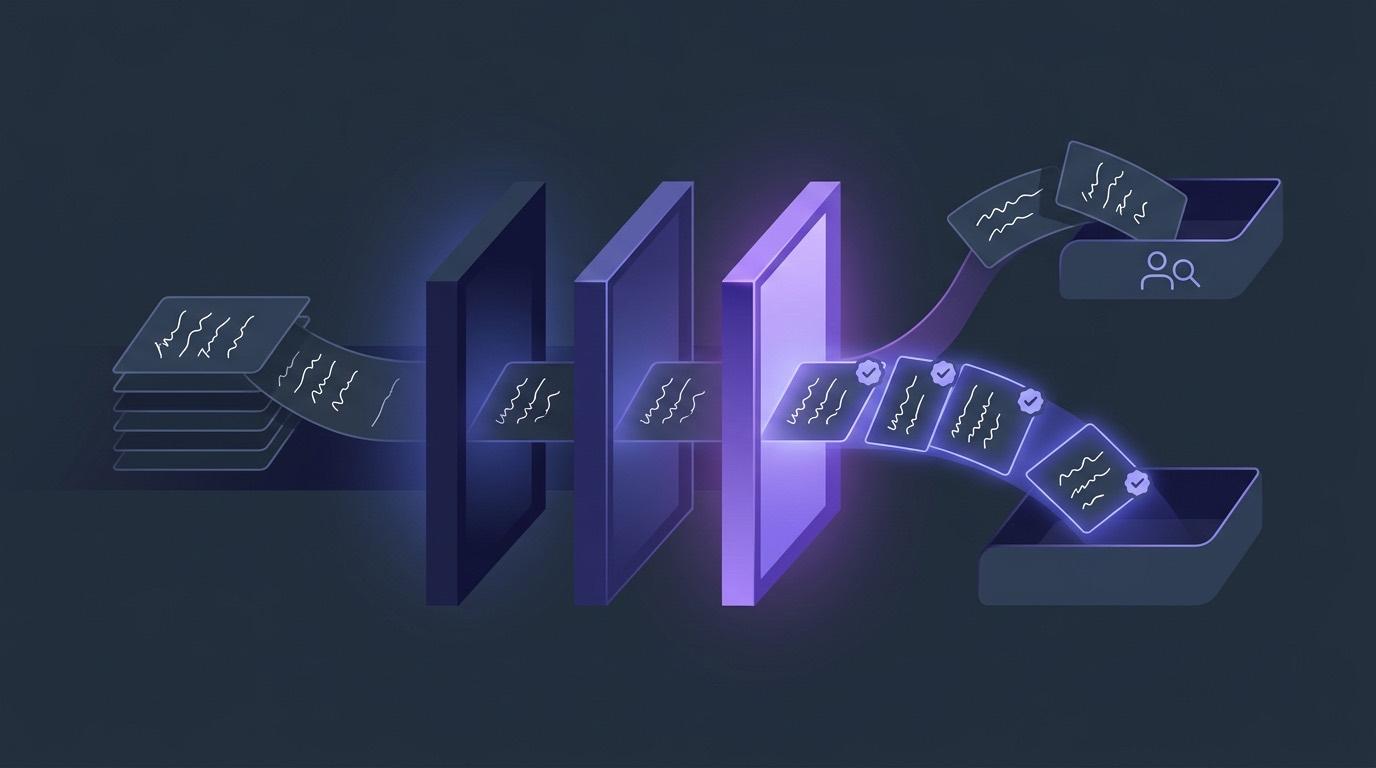
It is a three-rung ladder, and an answer stops at the first rung that can settle it. EduGears AI marks every short answer the same way, whether the learner is sitting a graded quiz launched from Moodle or working through an ungraded practice set:
| Rung | What it does | Cost |
|---|---|---|
| 1. Exact match | Case- and whitespace-insensitive comparison against the expected answer. | Free — no AI call |
| 2. Normalised match | Strips punctuation, spacing and symbols, so "first-aid" matches "first aid" and "U.S.A." matches "USA". | Free — no AI call |
| 3. Semantic verdict | AI is asked whether the learner's answer means the same thing as the expected answer, and returns a strict correct / not correct. | One AI credit per answer |
The third rung is the one that changes a trainer's week, and it is worth being precise about what it is asked to do. The instruction behind it is narrow on purpose: accept synonyms, reasonable paraphrases, plural and singular variants, equivalent units and minor spelling errors — and reject answers that change the meaning. It is not asked to be generous, award partial credit, or write feedback. It answers one question: same meaning, or not?
The ladder only spends a credit on answers that genuinely need judgement. A learner who types the answer key verbatim, or types it with different punctuation, is marked for free on rungs one and two — so the AI is reserved for the paraphrases, which is exactly where a trainer's time was going.
The rungs also stay honest about speed. When a paper is submitted, every short answer that needs the semantic rung is checked concurrently rather than one after another, so a long assessment costs the time of its slowest single check instead of the sum of all of them.
What Happens When an Answer Isn't a Match?
It is marked not correct and recorded in full, with the learner's exact words shown next to the expected answer for the trainer to read. A short answer the AI judges to have changed meaning scores zero for that question — the same as any other wrong answer — and nothing about that verdict is hidden: the attempt lands in Submissions, where a trainer expands it and reads the answer, question by question, against the key.
Two behaviours are worth knowing before you rely on this:
- On a graded quiz, an AI check that cannot run now waits for the trainer. The answer is held as "Awaiting teacher review" rather than being marked either way: the learner sees that it is waiting, the attempt is highlighted on Submissions with the learner's words beside the expected answer, and the trainer settles it with the same Override used for any other correction — the attempt is then rescored and sent to the gradebook.
- In an ungraded practice set, an unavailable check says so. The learner sees "Couldn't auto-check this one — compare with the answer below" and the correct answer beside it, because practice is for self-study and nothing is posted to the gradebook.
So the honest framing is not "the AI is always right". It is that a machine verdict on a one-line factual answer is a verdict a trainer can check in about two seconds, on a page that shows every answer and every key — and that a trainer spending those two seconds on the contested handful is a very different afternoon from marking the full set by hand.
What Still Goes to a Trainer?
Everything that needs judgement rather than recognition — and that boundary is enforced by question type, not by guesswork. Essay and open-ended questions are never auto-marked. They are recorded as "Awaiting review", excluded from the auto-marked score, and the attempt is flagged "Awaiting teacher review" for the trainer; where the assessment is launched from Moodle or Canvas, the gradebook column shows the attempt as submitted and awaiting manual grading until a human finishes it.
For the heavier work, the AI drafts and the trainer decides:
- Extended responses in a quiz — attach a rubric and the AI scores the written items against its criteria, producing a per-criterion breakdown the trainer can re-grade at any time from Submissions.
- Project and portfolio submissions — each activity chooses its mode. "AI drafts, I approve" holds the grade in the queue as an "AI draft ready" until the trainer adjusts the criterion scores, writes overall feedback and chooses Approve & post to gradebook.
- Uploaded submission files — documents, images, audio and video are graded against a rubric one file at a time, and the trainer opens each result to edit anything they disagree with before saving. See AI-graded project assignments for that workflow in full.
Point EduGears AI at one real assessment and see how many short answers the ladder settles before a trainer opens it — free, no credit card.
Get Started Free →Are Abandoned Attempts Marked the Same Way?
No — and this is the one nuance to carry into a conversation with your trainers. The semantic rung runs when a learner submits. An attempt nobody ever submits — a timed quiz the learner walked away from, a tab closed mid-paper — is closed later by a background sweeper, and that sweeper deliberately does not call the AI.
It marks what it can settle for free: exact matches and punctuation-insensitive matches. Anything that would have needed a semantic verdict is left as not correct on that abandoned attempt. The reasoning is simple — an attempt the learner abandoned should not quietly spend AI credits on their behalf — and the practical consequence is equally simple: a learner who submits gets the full ladder, and an abandoned attempt is a record of an incomplete sitting rather than a considered mark.
What Happens to Auto-Marked Questions Imported From Moodle?
They keep being auto-marked. Plenty of vocational question banks in Moodle use the widely deployed essayautograde plugin, which marks a written response by looking for target phrases in it. A question that was machine-marked in Moodle should not arrive somewhere else as an ungraded essay waiting for a human — that is a marking load created by the migration itself, and in one four-course Moodle corpus we tested it would have been 95 of 292 question slots.
Those questions import as short answers instead, carrying the plugin's own target phrases as the expected answer, and they are then marked on the same exact → normalised → semantic ladder as every other short answer. A question with no usable target phrases stays an essay rather than becoming a short answer with a blank key — which would mark every response wrong — and the import preview names it. Ordinary Moodle essay questions are always left as essays for you to mark, because their grader notes are instructions for a human rather than a model answer. The full picture is in what survives a Moodle course import.
What Record Is Kept of Each Attempt?
Every attempt is stored with its per-question detail and stays reviewable. For each question the record holds the learner's answer as they typed it, the expected answer, whether it was marked correct, and the points it carried — so a mark can always be traced back to the words that produced it rather than to a total.
- Submissions lists every attempt on an assessment, expandable per learner, with the section it came from and the time it was submitted. Blank answers show as "(blank)" rather than disappearing.
- Question references — each question carries a short code like
#3f2a9cthat names the question itself, so it still matches when a Question Group gave every learner a different Q1. Paste a quoted reference into the search box and only the attempts containing that question are listed. - Analytics reports the most-missed question and, per question, its difficulty and the most common wrong answer — which is usually the fastest way to spot an answer key that needs rewording rather than a cohort that needs reteaching.
Does This Only Work in Moodle?
No. Semantic short-answer marking is part of the EduGears AI assessment engine, and the engine reaches learners two ways. Providers who already run their own LMS add it over LTI 1.3 — Moodle first among them, and equally Canvas, Blackboard or Brightspace — with an admin-level install of about three minutes and no intrusive plugins.
Providers who would rather not run an LMS at all get the same engine inside the EduGears AI LMS, our own white-label platform: the assessment tools are wired into it over LTI 1.3 exactly as they are into Moodle, so short answers are marked identically there. Same ladder, same trainer review, same attempt records — the difference is only whose platform the learner logs into.
Getting Started Free
EduGears AI installs once at the LMS admin level over LTI 1.3, in about three minutes. Every platform starts free with 200 AI credits and full access to all 26 AI tools, so you can mark a real assessment before deciding anything. Short-answer marking is not a separate product — it is how quizzes and practice sets have always been marked.
The fastest way to judge it is with your own material: import an existing Moodle course, open one written assessment, and look at what the ladder settles before a trainer touches it. From there, the complete guide to AI for Moodle covers the rest of the toolkit, AI grading across Moodle, Canvas and Blackboard covers rubric-based marking, and the setup guide covers the install itself. For the whole toolkit read from a training provider's point of view rather than a question's, see our overview of assessment marking software for RTOs and VET providers.
Frequently Asked Questions
How does AI marking of short answer questions actually decide?
EduGears AI marks a short answer on a three-rung ladder: an exact case-insensitive match, then a punctuation- and spacing-normalised match, then an AI semantic check. The semantic check is asked one narrow question — does the learner's answer mean the same as the expected answer — and is instructed to accept synonyms, reasonable paraphrases, plural and singular variants, equivalent units and minor spelling errors, and to reject answers that change the meaning. It returns a strict correct or not correct, not a partial score.
Will a paraphrased answer be marked wrong?
Not for the reason it used to be. An exact-match marker fails a learner who writes "PPE gear" when the key says "personal protective equipment"; the semantic rung is asked to accept reasonable paraphrases, abbreviations and synonyms of the expected answer. It is still a judgement, so every verdict is visible: the trainer sees each learner's answer beside the expected answer in Submissions and can re-grade the attempt.
What happens if the AI can't reach a verdict?
On a graded quiz the answer waits as "Awaiting teacher review" — never a silent tick, and never silently wrong — highlighted on Submissions with the learner's words for the trainer to settle with an Override. In an ungraded practice set the learner is told instead: "Couldn't auto-check this one — compare with the answer below", with the correct answer shown beside it.
Does every attempt get AI marking?
No. The semantic rung runs when a learner submits. Attempts that are never submitted — a timed quiz abandoned mid-way, for example — are closed later by a background sweeper that marks only on exact and punctuation-insensitive matching, with no AI call, so an abandoned attempt does not spend AI credits. Submitted attempts get the full ladder.
Which questions still need a trainer to mark them?
Essay and open-ended questions are never auto-marked: they are recorded as "Awaiting review", left out of the auto-marked score, and flagged for the trainer, and the LMS gradebook shows the attempt awaiting manual grading. Where a rubric is attached, AI can draft per-criterion scores that the trainer edits and approves — for project submissions that is an explicit "AI drafts, I approve" mode that holds the grade until a human posts it.
Do auto-graded Moodle essay questions keep being marked after import?
Yes. Questions built with Moodle's essayautograde plugin import as short answers carrying the plugin's target phrases as their expected answer, so they keep being machine-marked on the same ladder instead of arriving as ungraded essays. One with no usable target phrases stays an essay and is named in the import preview, and ordinary Moodle essay questions are always left as essays for a trainer to mark.
What does short-answer marking cost in AI credits?
On paid plans, nothing to count — AI is included with no credit limits, subject to fair use. On the free evaluation plan, where AI is metered, it is one AI credit per answer that reaches the semantic rung: answers settled by an exact or punctuation-normalised match cost nothing, and a credit is only charged when the AI actually returns a verdict. Platforms that connect their own provider key with BYOK run the semantic checks on their own key instead.
Does semantic marking work outside Moodle?
Yes. EduGears AI installs over LTI 1.3 into Moodle, Canvas, Blackboard or Brightspace, and short answers are marked the same way in each. The same assessment engine is also built into the EduGears AI LMS at lms.edugears.ai for providers who want a full branded platform rather than adding tools to an existing LMS.
Try EduGears AI Free
Setup in 3 minutes via LTI 1.3. No credit card required. All 26 AI tools included on the free tier.
Get Started Free →