Random Question Draws: Fairer Quizzes in Moodle and Canvas When Answers Get Shared
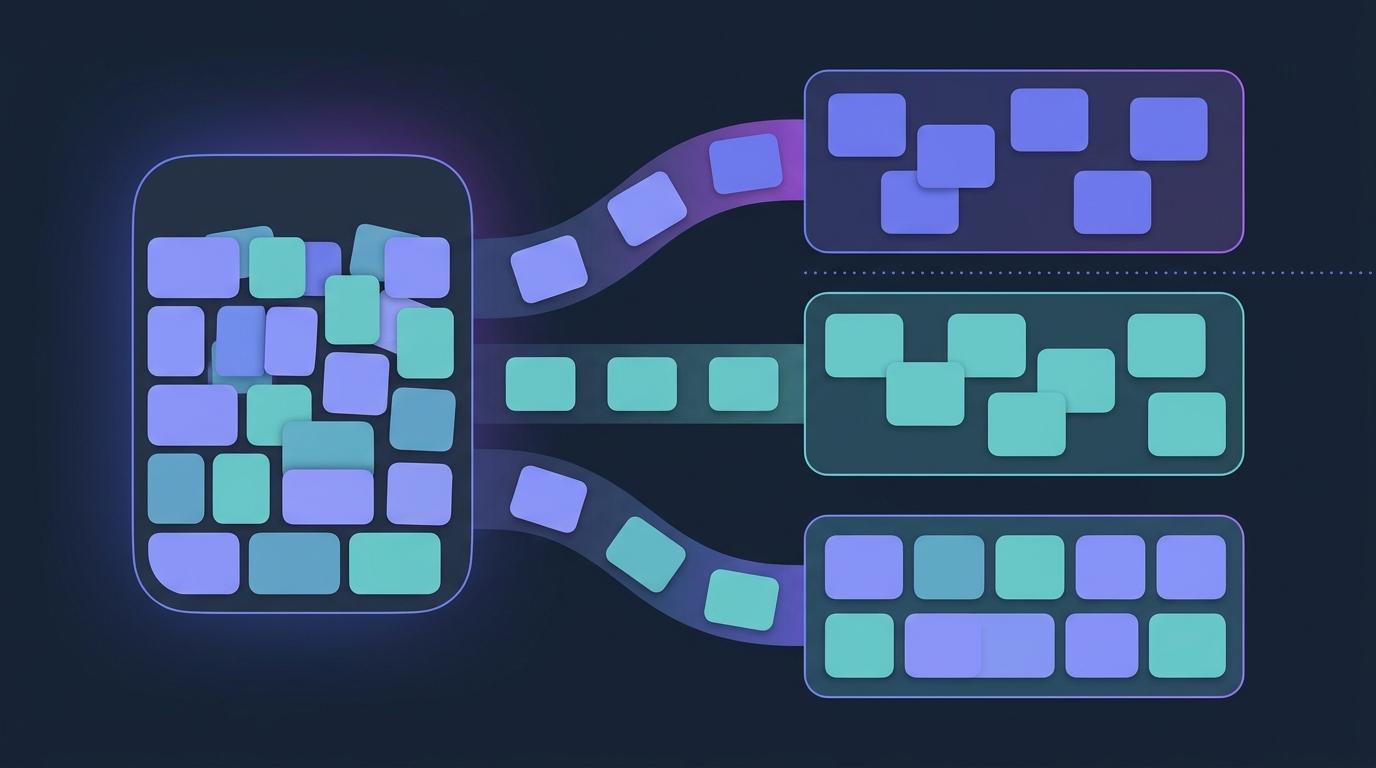
The nine o'clock section finishes the Module 3 quiz at 9:40. By lunchtime, a photo of someone's results screen is in the group chat, and the afternoon section walks in already knowing that question 4 is B. Nobody planned it. Nobody thinks of it as cheating, exactly. It's just what happens when sixty students sit the same paper at different times.
You could write two versions of every quiz. You could run every section at once. Or you could stop giving everyone the same questions. This post covers the third option: random question draws from a question bank, inside the EduGears AI quizzes you run from Moodle, Canvas or any other LTI 1.3 LMS.
The answer key that travels faster than you do
A shared answer list only works if everyone has the same question 4. Once students sit different questions drawn from a larger pool, "4 is B" stops meaning anything.
That's the whole idea behind random draws. They don't make cheating impossible, and nothing does. But they take away the cheapest shortcut and make the quiz a fairer measure of what each student knows.
Random questions in a Moodle or Canvas quiz: draw from a bank
In the EduGears AI quiz editor, Question Group (random) sits alongside the other ways to add questions. A group has three settings:
- Source question bank: the pool the group draws from.
- Pick how many?: how many questions each student gets from that bank.
- Points each: what every drawn question is worth.
When a student starts an attempt, every group in the quiz draws its questions at random from its bank. The drawn questions slot in where the group sits in the quiz, and any fixed questions you added directly stay exactly where you put them. So you can open with two fixed warm-up questions everyone gets, then draw five from the topic bank.
The draw is saved with the attempt. If the student refreshes the page halfway through, or you edit the bank while they're working, their questions don't change under them.
The same points for every student
Every question a group draws is worth the same number of points, so every student's quiz adds up to the same total. The editor shows it as you build: a group drawing 5 questions at 2 points each is worth 10 points for every student, and the Quiz total banner shows the points a student will actually see. The quiz still posts to a single column in your Moodle or Canvas gradebook, with the same total for everyone.
Make the bank bigger than the draw
Random draws only spread students out if there is something to spread them across. If a bank holds 5 questions and the group picks 5, every student gets all 5. The editor warns you when a group asks for more questions than its bank holds.
As a rough guide, draw from a bank three or four times the size of the pick. With 5 questions drawn from a bank of 20, two students share on average just over one question from that group, and which one it is differs from pair to pair. A shared list of answers covers very little of anyone else's paper.
There's one more thing to get right. A random draw is only fair if the questions in a bank are roughly the same difficulty. If one student draws five easy questions and another draws five hard ones, the quiz is measuring luck. The fix is simple: use one bank per topic and level, with one group each. For example:
| Group | Bank | Pick | Points each |
|---|---|---|---|
| Cells: recall | Cell structure, easy (18 questions) | 3 | 1 |
| Cells: application | Cell structure, medium (15 questions) | 2 | 2 |
| Cells: reasoning | Cell structure, hard (9 questions) | 1 | 4 |
Every student gets three easy, two medium and one hard question, worth 11 points in all. No two papers need to match.
Filling banks is the part that used to take a weekend. The AI Question Generator writes questions at the difficulty you choose from your topic, notes or an uploaded document, and saves them straight into a bank. Question banks also import Moodle XML, Canvas QTI and CSV, so last year's questions can join the pool. You review every generated question before it's used.
What is random, and what isn't
"Randomised quiz" can mean several things, so here is exactly what happens:
- Random: which questions each student gets from a group's bank, drawn fresh for each attempt.
- Shuffled: the rows in an Ordering question. Students always see them in a jumbled order and put them right.
- Not shuffled per student: the order of questions in the quiz. Fixed questions stay where you put them, and each group's questions sit in the group's place.
- Not shuffled per student: the answer options. When the Question Generator writes a multiple-choice question, it varies which position the correct option sits in, so the answer isn't always (A). But every student who draws that question sees its options in the same order.
So two students who happen to draw the same question see it the same way. That's why the bank-to-pick ratio matters more than anything else on this page. Random draws give each student a different set of questions. They don't give every student a one-of-a-kind exam.
Retakes and fresh draws
If a quiz allows more than one attempt, each new attempt draws again. A student retaking the quiz meets a fresh set, not the same paper with the answers now memorised.
The exception is deliberate. Turn on Each attempt builds on the last, and a retake reopens the same questions, with the correct answers kept and the wrong ones blanked, so the student fixes what they missed. If you edit a bank one of its groups draws from in the meantime, the next retake starts fresh on a new draw instead. More on that in our post on calmer quizzes and retakes.
Pair it with a window and a shared passage
Random draws work best alongside two other settings:
- Open, due and close dates. No student can start before Opens or after Closes, and that's enforced on our side, not just hidden in the browser. Due never blocks anyone. It labels late work "Submitted late". A tighter window leaves less time for answers to travel. Our guide to quiz due dates in Moodle and Canvas covers the details.
- Section panels. For a run of fixed questions about one case study or passage, a section panel puts the shared text above them once, so students read it without scrolling back.
Put together, that's the fair-paper chapter of the assessment flow: a clear window, a shared passage where you need one, and random draws where answer-sharing would otherwise do the most damage.
Seeing how the draws went
Drawing questions shouldn't leave you guessing about how they performed. Quiz analytics shows how the class did and which questions caught them out. Each question bank has its own analytics too: attempts and percent correct for every question, however many quizzes draw on it. If one question in a pool turns out to be much harder than the rest, you'll see it. Fix it once in the bank, or move it to the harder bank. There's more on reading results in analytics.
See how random draws, dates and shared passages fit into the whole assessment flow.
AI grading and assessmentCan I give each student random questions in a Moodle or Canvas quiz?
Yes. In an EduGears AI quiz, launched from Moodle, Canvas or another LTI 1.3 LMS, add a Question Group (random). It draws the number of questions you choose at random from a question bank each time a student starts an attempt.
Does every student get a completely different quiz?
Not necessarily. Students get different questions only when a group's bank holds more questions than it draws, and two students can still draw some of the same ones. A bank three or four times the size of the pick keeps the overlap small.
Are the answer options shuffled for each student?
No. The Question Generator varies which position the correct option sits in when it writes a question, but every student who draws that question sees the options in the same order. The question order isn't shuffled per student either. Ordering questions are the exception: their rows are always shown jumbled.
Will students get different total marks?
No. Every question a group draws is worth the same points, so every student's quiz has the same total, and the score posts to one gradebook column.
Does a retake draw new questions?
Yes, each new attempt draws again, unless you turn on Each attempt builds on the last. Then a retake reopens the same questions, keeping the correct answers and blanking the wrong ones.
Can I mix fixed questions and random ones in the same quiz?
Yes. Fixed questions stay where you place them, and each group's drawn questions slot in where the group sits.
Try EduGears AI Free
Setup in 3 minutes via LTI 1.3. No credit card required. All 32 AI tools included on the free tier.
Get Started Free →